calenclick.com Adobe Illustrator Adobe InDesign

Calendars in
one click.

CalenClick builds finished, fully editable calendars and planners for you, right inside Adobe Illustrator and InDesign. Every date in the right place, every holiday listed, every element a real text frame or shape you can restyle.

  • One-time purchase
  • Windows & macOS
  • Native vector output
  • From $9
What CalenClick does

Stop drawing calendar grids by hand.

A 12-month calendar is 365 dates, 84 day names, a dozen month titles and a holiday list, and every one of them has to be right. Every CalenClick tool builds all of it for you as clean, editable vector artwork, in seconds.

The manual way

  • Look up which weekday every month starts on
  • Place and align hundreds of text frames
  • Color weekends and holidays one by one
  • Start again for a new year or language
  • One wrong date means a reprint

Hours per calendar

With CalenClick

  • Dates are always right, for the year you type
  • Month and day names in your language, left-to-right or right-to-left
  • Weekends and holidays colored, with a holiday list
  • Change the year, generate again
  • Text stays text, shapes stay shapes

Seconds per calendar

The CalenClick family

Two scripts. One plugin.

CalenClick started as an Illustrator script and grew into a full plugin for Illustrator and InDesign. All three are still available, so you can pick the one that matches your work and budget.

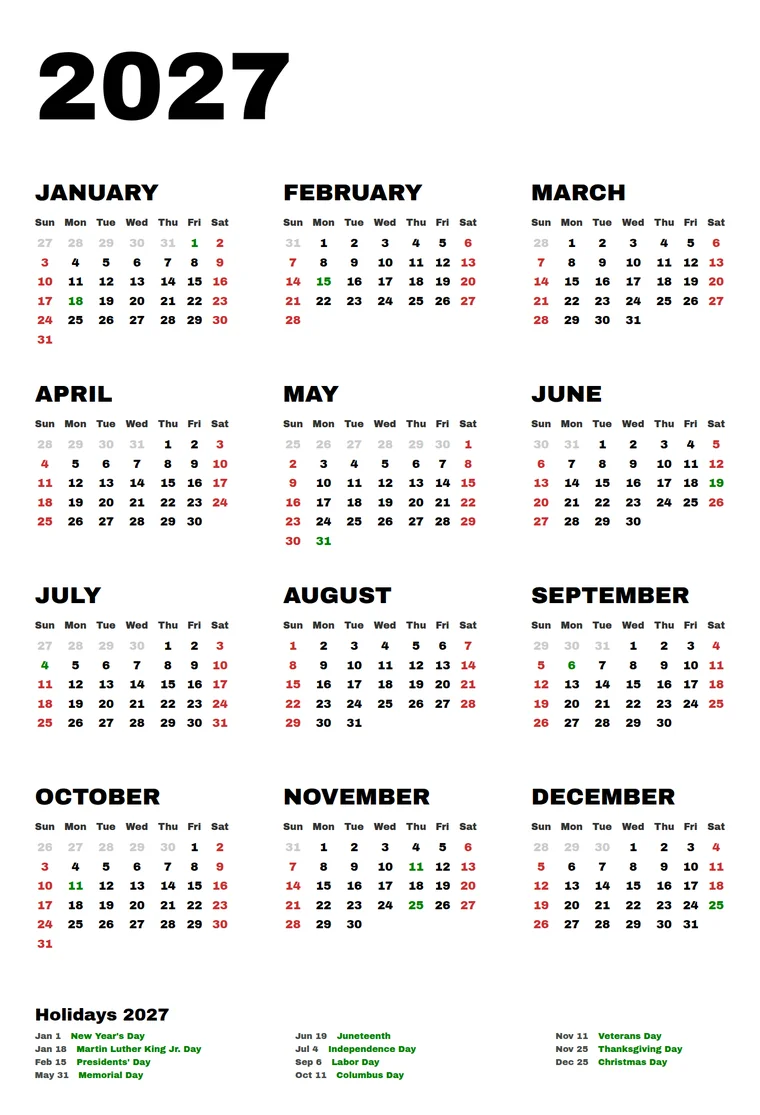
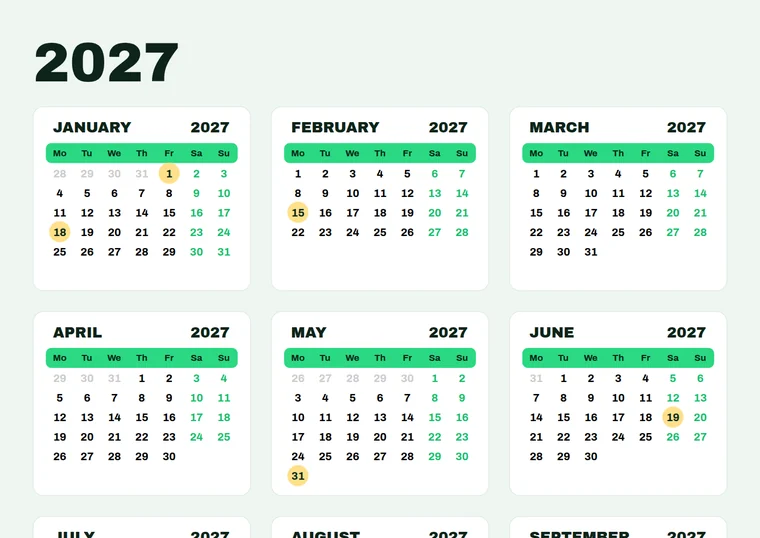
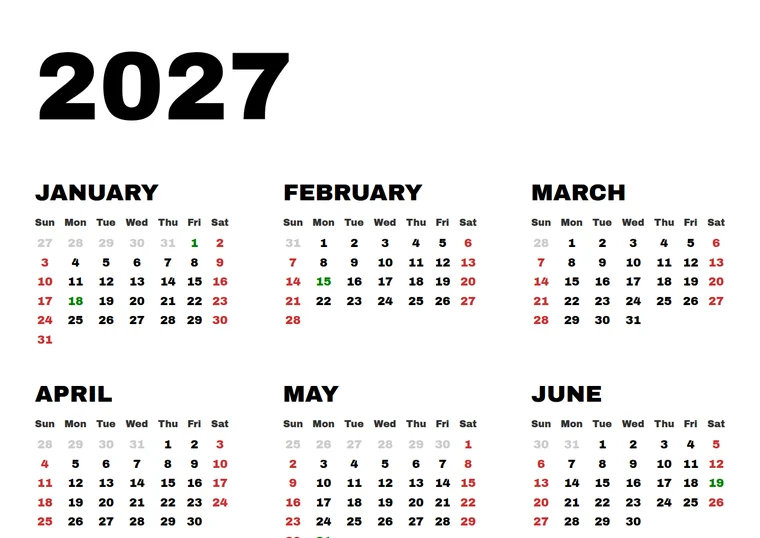
Year calendar made with the CalenClick Pro script
ScriptIllustrator

CalenClick Pro

Script · version 1.1

The fast, simple way to a clean 12-month calendar in Illustrator.

  • 12 months on your artboard in one click
  • English, French, Spanish, Arabic or your own names
  • Right-to-left layout
  • Holiday list, imported from CSV/TXT
  • Fonts, sizes, case and colors
$9one-time
Learn more
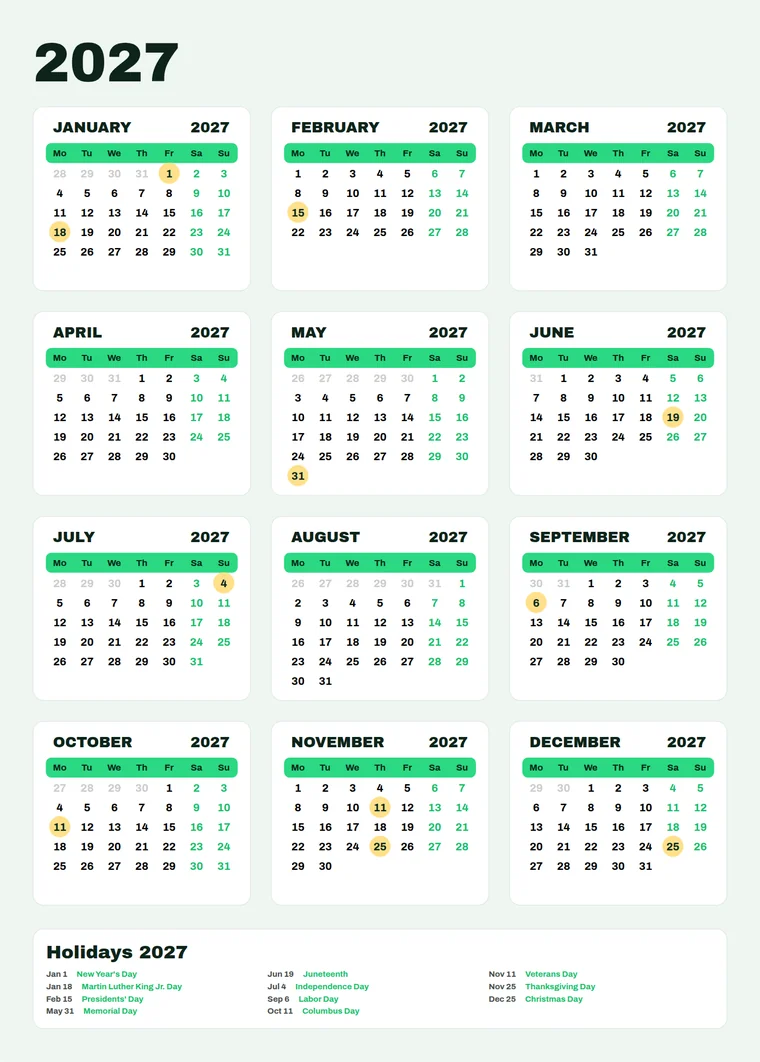
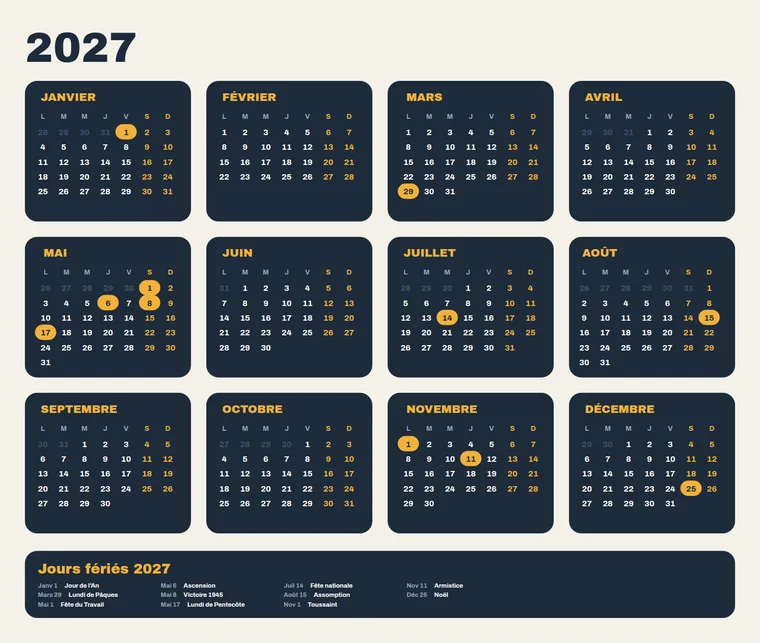
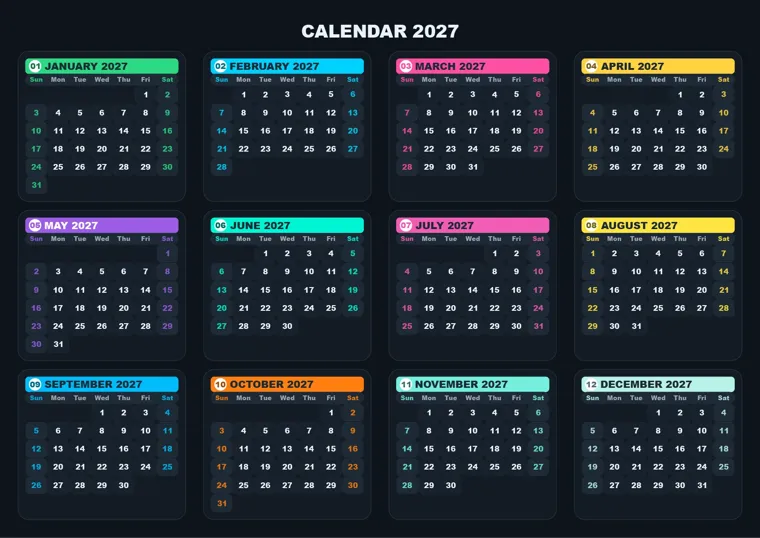
Year calendar with month cards made with the CalenClick Pro Advanced script
ScriptIllustrator

CalenClick Pro Advanced Script

Script · version 1.4.1

Everything in Pro, plus the graphic controls for designed calendars and planners.

  • Month cards with padding, radius and stroke
  • A cell behind every date, with weekend and holiday fills
  • Day-name bars and holiday highlight shapes
  • Single month mode for planner pages
  • Exact column widths and row heights
$29one-time
Learn more
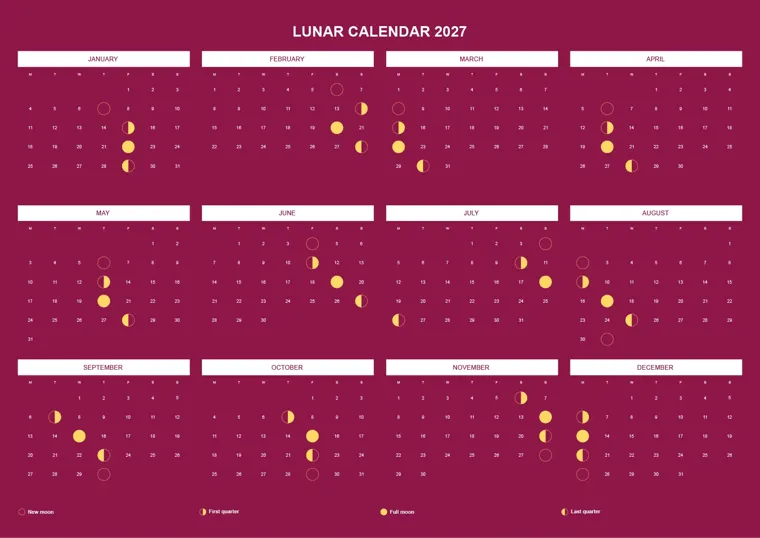
Most complete Photo calendar made with the CalenClick Pro Advanced plugin
PluginIllustratorInDesign

CalenClick Pro Advanced

Plugin · version 3.0

A full panel inside Illustrator and InDesign, with live preview and ready-made presets.

  • 147 presets and 13 layout modes
  • 99 calendar languages, holidays for 20 countries
  • Live preview, fit to any page, up to 240 months
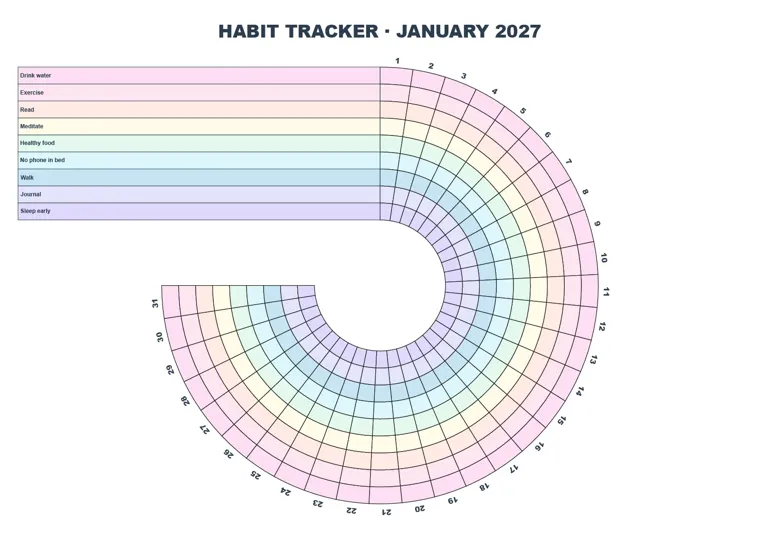
  • Photo, moon, planner and habit tracker calendars
  • Works in Illustrator and InDesign
$49one-time · free updates
Learn more
Script or plugin?

Same idea, two ways to work.

A script is a single file you run when you need a calendar. A plugin is a panel that stays open in your app while you design. Here is what that means in practice.

Pro · Pro Advanced Script

The scripts

Run the script, fill in a dialog, click Generate Calendar. The calendar is drawn on your active artboard in its own layer, and the dialog closes.

File
One .jsx script file
Runs in
Adobe Illustrator, from File → Scripts
How you work
Set options in a tabbed dialog, generate, adjust, run again
Output
12 months on one artboard (or one month with the Advanced script)
Settings
Remembered between runs, export and import as a file
Best for
Simple yearly calendars and occasional use
Pro Advanced plugin

The plugin

A panel that stays docked in Illustrator or InDesign. Pick a preset, change a value and see the calendar update on the page before you generate.

File
A signed .zxp extension, with a license key
Runs in
Illustrator and InDesign, from Window → Extensions
How you work
Live preview while you edit, a progress bar and Stop button for big jobs
Output
Up to 240 months on as many artboards or pages as needed, fitted to your page
Settings
147 presets plus your own, with a searchable preset browser
Best for
Designers, print shops and printable sellers who make calendars often
Side by side

Compare all three.

CalenClick ProScript · v1.1$9 Pro Advanced ScriptScript · v1.4.1$29 Pro Advanced PluginPlugin · v3.0$49
Apps & workflow
Adobe Illustrator
Adobe InDesign
App versionsIllustrator CS6 and newerIllustrator CS6 and newerCC 2020 and newer
How it runsDialog, File → ScriptsDialog, File → ScriptsDocked panel
Live preview on the page
Ready-made presetsYour saved settingsYour saved settings147 + your own
Save, export and import settings
Calendar content
What it builds12-month year calendar12-month calendar or a single month13 modes: calendars, planners, trackers, moon, countdown…
Months per run1212, or 1Up to 240
Languages4 + custom names4 + custom names99 + custom names
Right-to-left calendars
First day of weekSunday or MondaySunday or MondayAny day
HolidaysType or import a listType or import a listAuto for 20 countries, or your list
Holiday list on the page
Holiday names inside the day cells
Photos, moon phases, week numbers
Design
Fonts, sizes, case and colors per element
Month cards
Date cells with weekend and holiday fills
Day-name bars
Holiday highlight shapesCircle, square, rounded, pill
A color for every month
Fit to page sizeManual spacingManual spacing and cell sizesAutomatic, 41 page sizes

Scroll the table sideways on a phone. All three are one-time purchases on Gumroad.

Which one is for me?

Pick in ten seconds.

I need a clean year calendar in Illustrator, now and then.

Months, day names, dates, weekends and a holiday list in your fonts and colors. Nothing more to learn.

CalenClick Pro · $9 →
I design calendars with cards, cells and highlights.

Get the Pro features plus month cards, date cells, day-name bars, highlight shapes and single month pages.

Pro Advanced Script · $29 →
I make calendars and planners often, or I sell them.

Presets, live preview, 99 languages, auto holidays, InDesign, photos, planners and trackers, and free updates.

Pro Advanced Plugin · $49 →
Made with CalenClick

Real output from every version.

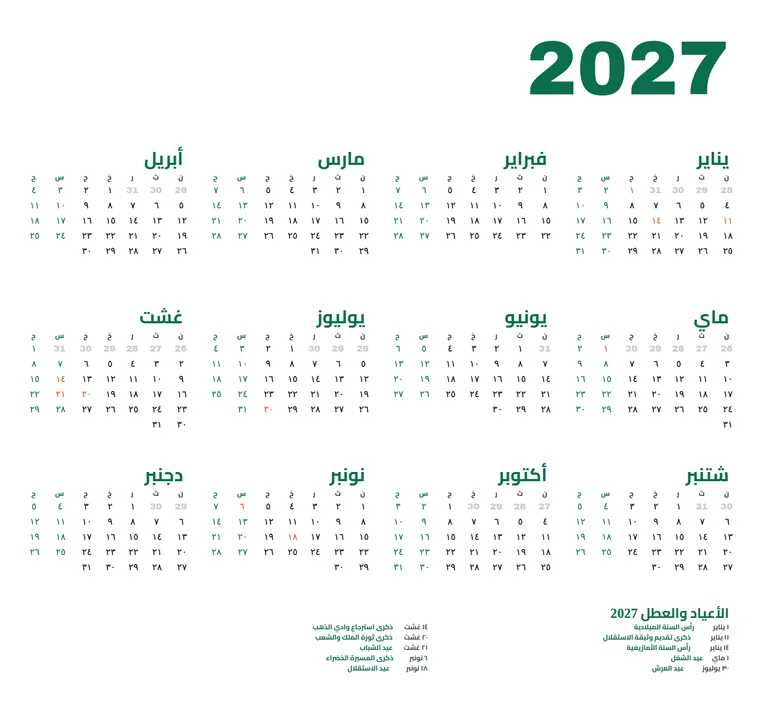
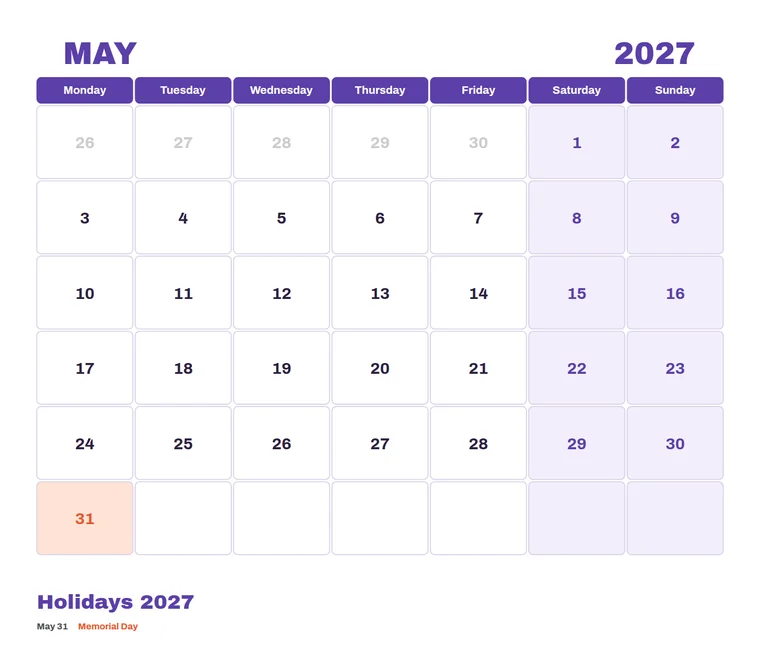
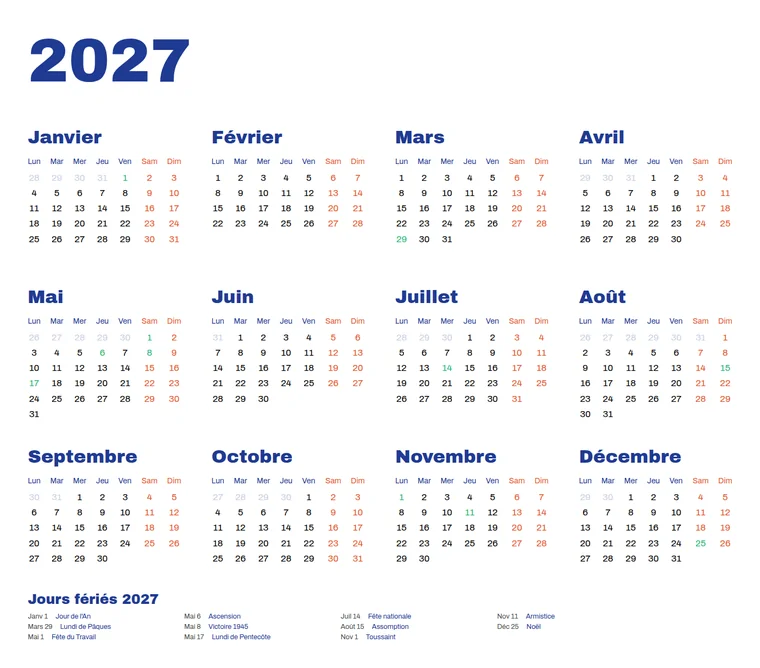
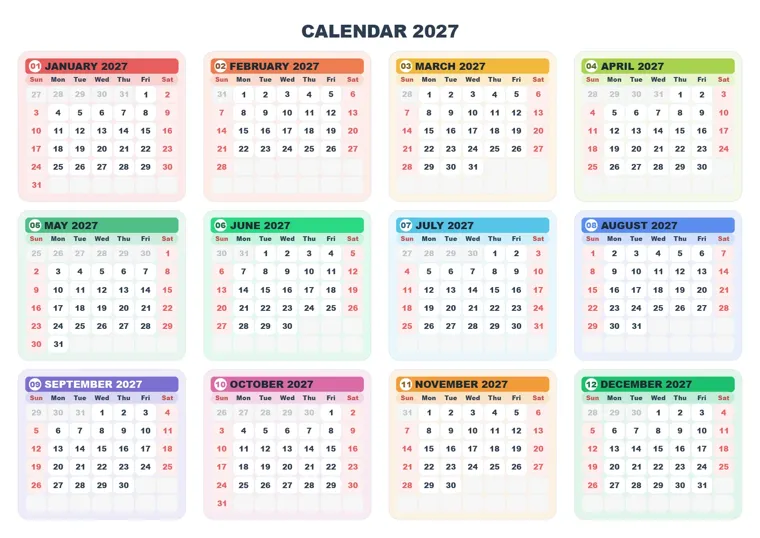
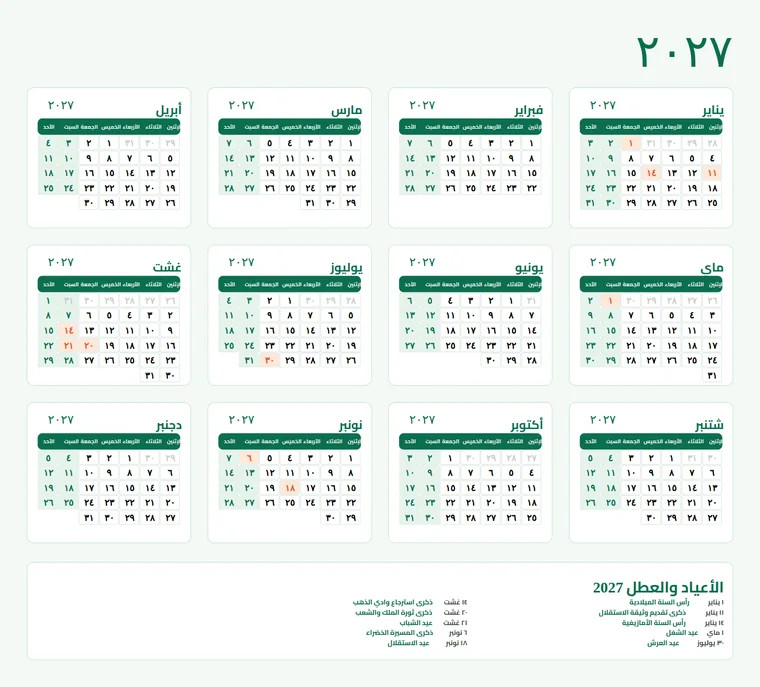
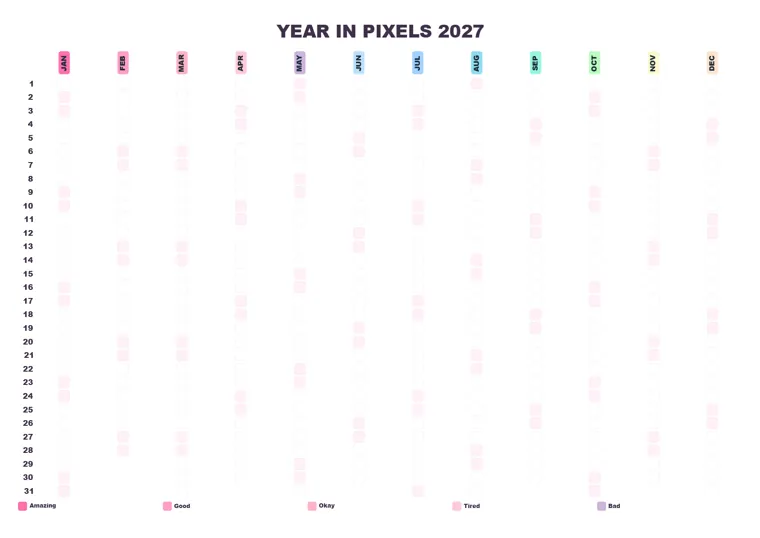
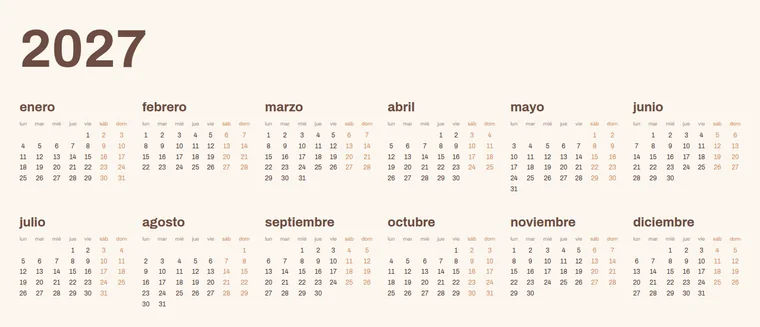
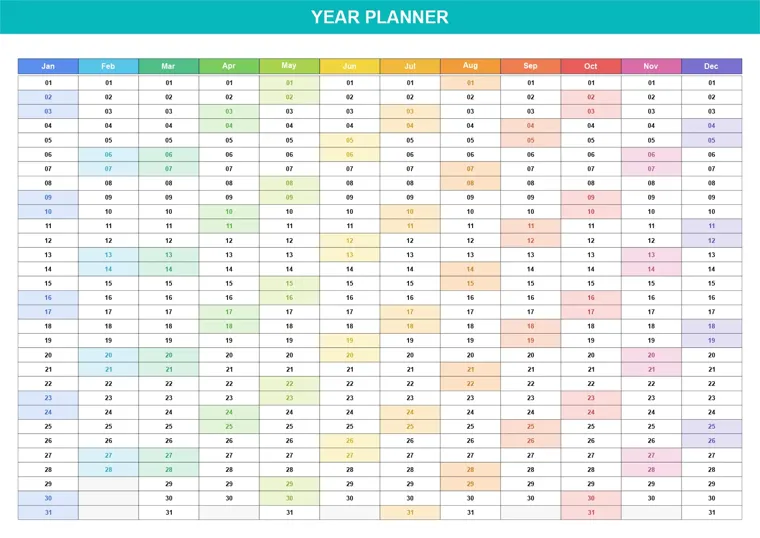
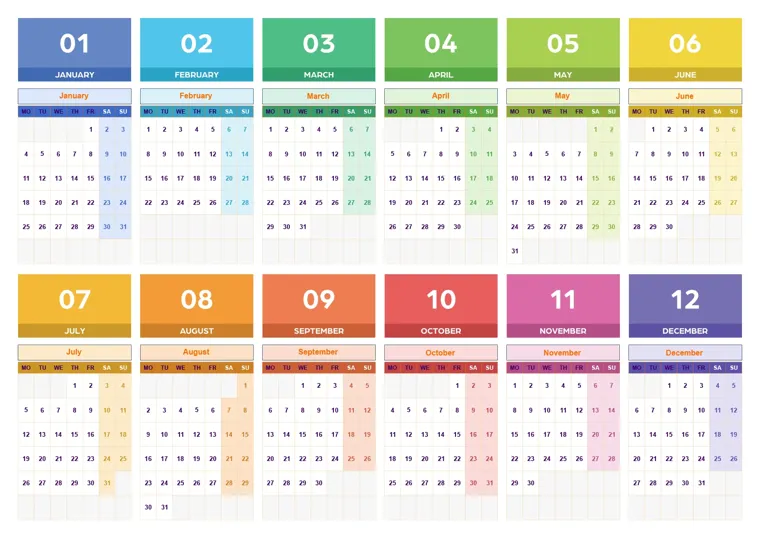
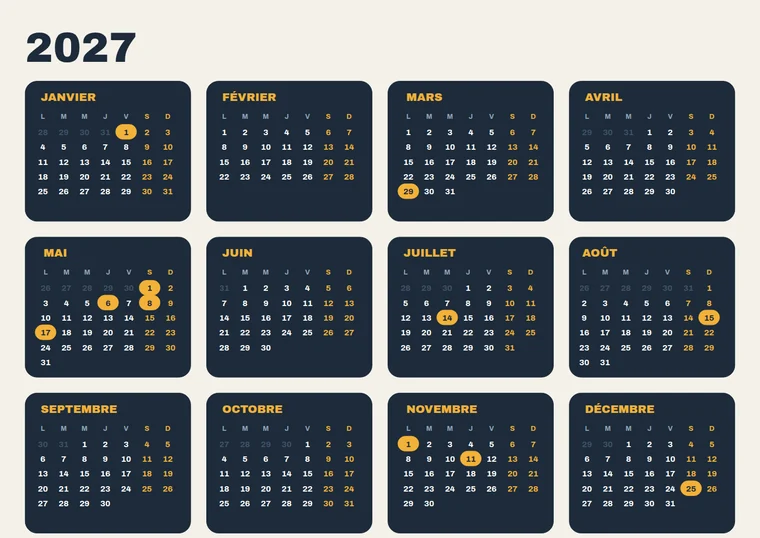
Each calendar below was generated by the product named on it. Click any calendar to view it full screen.

See more on each product page: plugin · Advanced script · Pro script

How CalenClick grew

From one script to a full plugin.

Each version kept what worked and added what designers asked for next.

  1. Script · v1.1CalenClick Pro

    12 months in one click, four languages, right-to-left, holiday list, fonts and colors.

  2. Script · v1.4.1Pro Advanced Script

    Month cards, date cells, day-name bars, highlight shapes, single month and planner grids.

  3. Plugin · v2A panel for Illustrator and InDesign

    A docked panel with live preview, presets, more languages and InDesign support.

  4. Plugin · v3.0 · todayCalenClick Pro Advanced

    147 presets, 13 layout modes, 240 months, progress and Stop, pixel trackers and more.

See it running

Watch a calendar build itself.

Walkthroughs for every version on the Ajigrafi YouTube channel.

Questions

Good to know.

What is the difference between the scripts and the plugin?

The scripts are single .jsx files for Illustrator: you run one, fill in its dialog and it draws a 12-month calendar (or one month with the Advanced script). The plugin is a panel for Illustrator and InDesign with live preview, 147 presets, 13 layout modes, 99 languages, automatic holidays and fit-to-page. See the comparison table.

Which one should I buy?

For an occasional year calendar in Illustrator, CalenClick Pro ($9) is enough. For designed calendars with cards, cells and highlights, choose the Pro Advanced Script ($29). If you make calendars or planners often, sell them, or work in InDesign, the Pro Advanced plugin ($49) does the most.

Do the scripts work in InDesign?

No. Both scripts are for Adobe Illustrator. The Pro Advanced plugin works in Illustrator and InDesign with one purchase.

Which Illustrator versions are supported?

The scripts run in Illustrator CS6 and newer. The plugin needs Illustrator or InDesign CC 2020 or newer. All of them work on Windows and macOS.

Is any of them a subscription?

No. Each one is a one-time purchase on Gumroad.

Is the output editable?

Yes, with every version. Calendars are native Illustrator (or InDesign) artwork: text frames and shapes in their own layer, ready to restyle.

Can I make calendars in Arabic or another right-to-left language?

Yes. All three support right-to-left layout. The scripts include Arabic, English, French and Spanish presets and let you type your own month and day names; the plugin has 99 calendar languages.

How do I install a script?

Run it from File → Scripts → Other Script… in Illustrator, or copy the .jsx file into Illustrator's Scripts folder and restart Illustrator so it shows in the File → Scripts menu.

Questions before buying?

Email [email protected].

Your next calendar is one click away.

Scripts from $9. The full plugin for Illustrator and InDesign for $49. Pay once.