
147 presets in 10 collections
Up from 40+. Standard, Planner, Color themes, Year planners, Grids, Minimal, Photo, Moon, Habit trackers and Creative. A preset browser with search, filters, favorites, recent and live thumbnails.
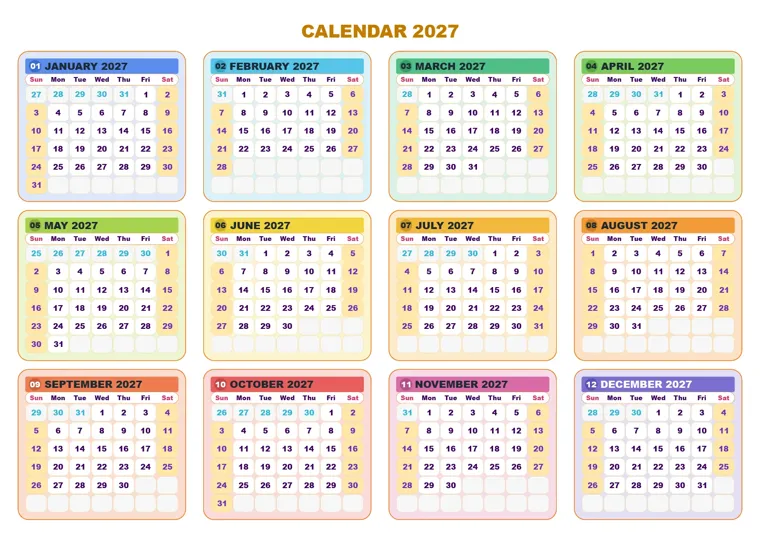
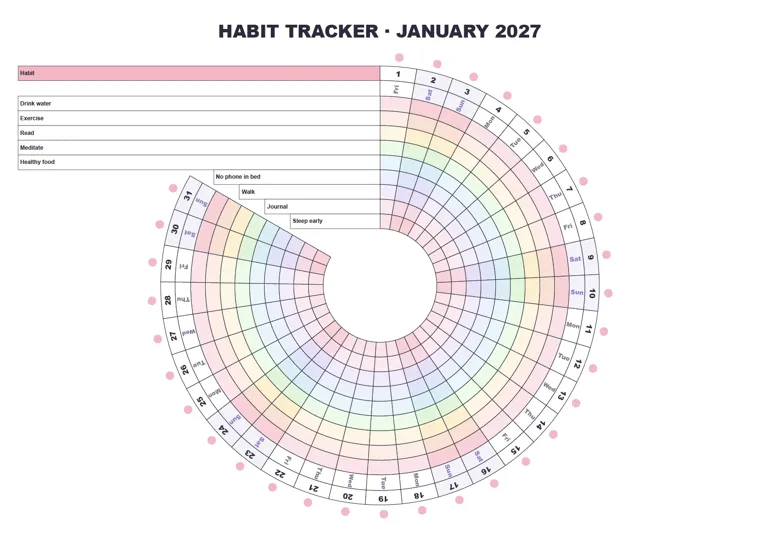
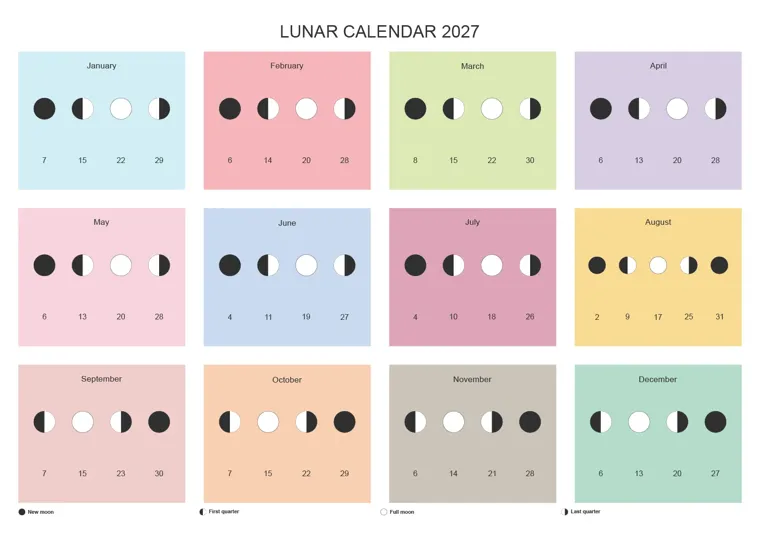
Make finished, fully editable calendars and planners inside Adobe Illustrator & InDesign. Pick one of 147 presets, set the year, language and holidays, and click Generate.
A 12-month calendar is 365 dates, 84 day names, a dozen headers and a holiday list, and every one of them has to be right. CalenClick builds all of it for you as clean, editable artwork.
Hours per calendar
Seconds per calendar
Browse 147 presets in 10 collections, with live thumbnails drawn at your page size. Search, filter, save favorites.
Set year, page size, language, first weekday, holidays, fonts and colors. Live preview redraws the calendar on your artboard as you type.
Click Generate. CalenClick draws every month, page by page, while Illustrator or InDesign stays responsive. Stop at any time.
Every image below was generated by CalenClick, with no retouching. Click any calendar to view it full screen.
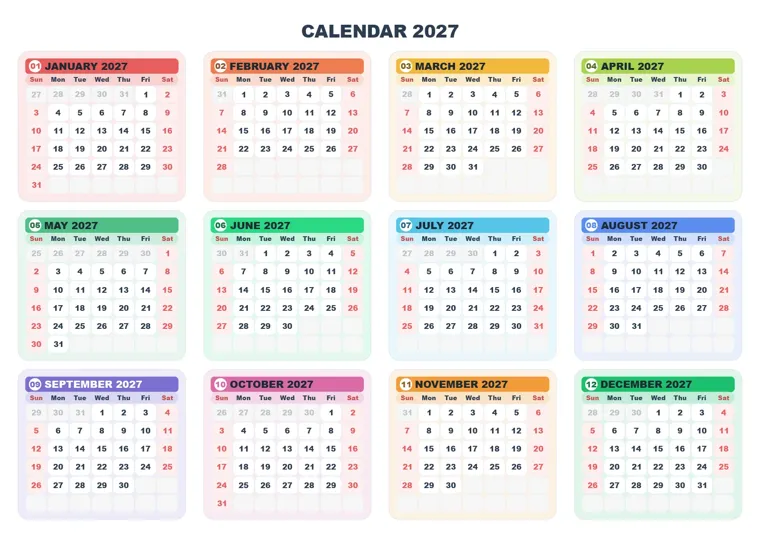
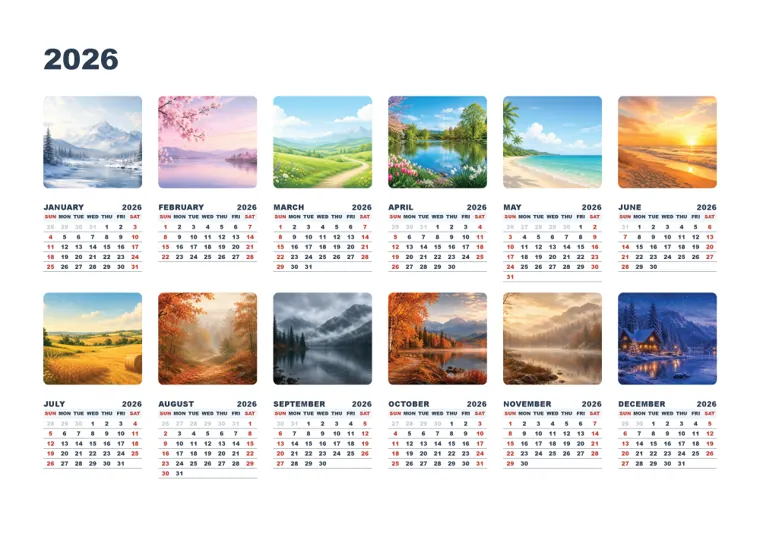
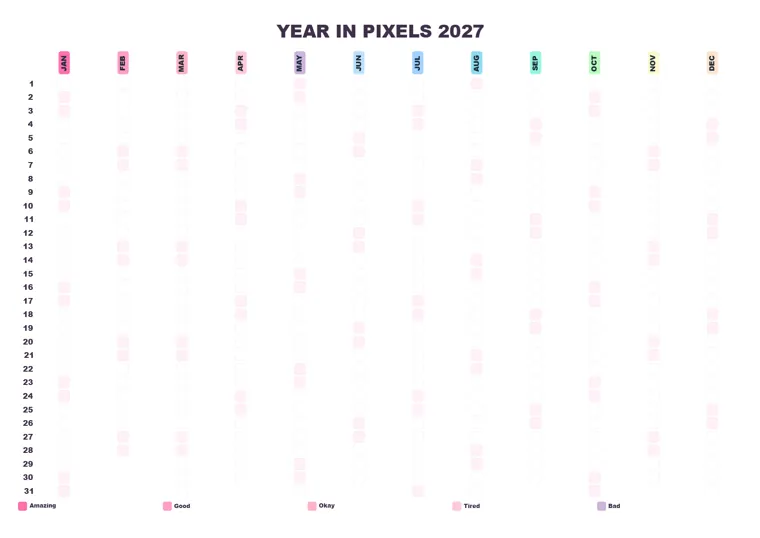
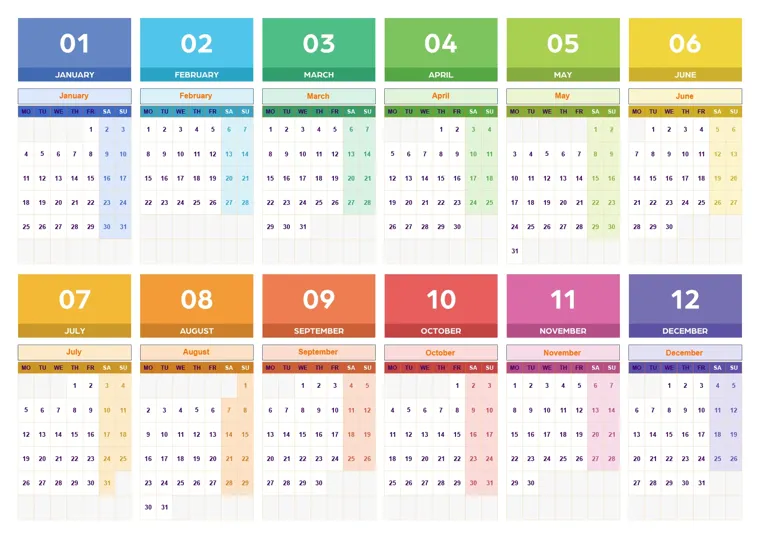
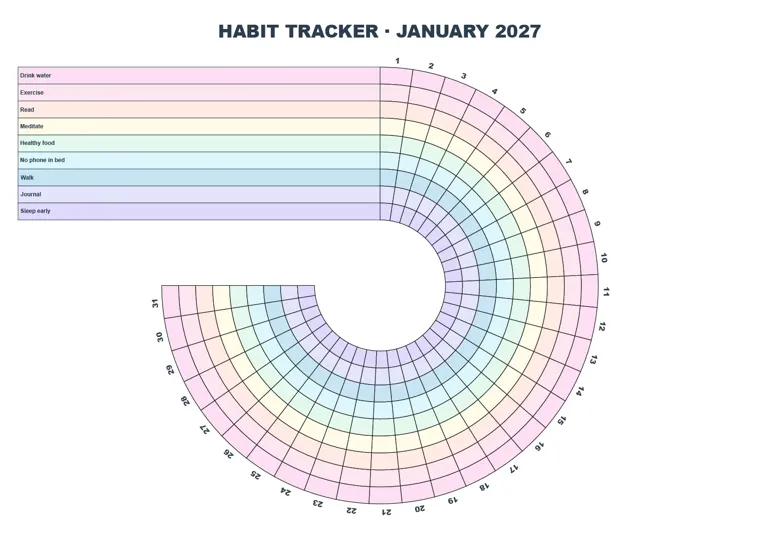
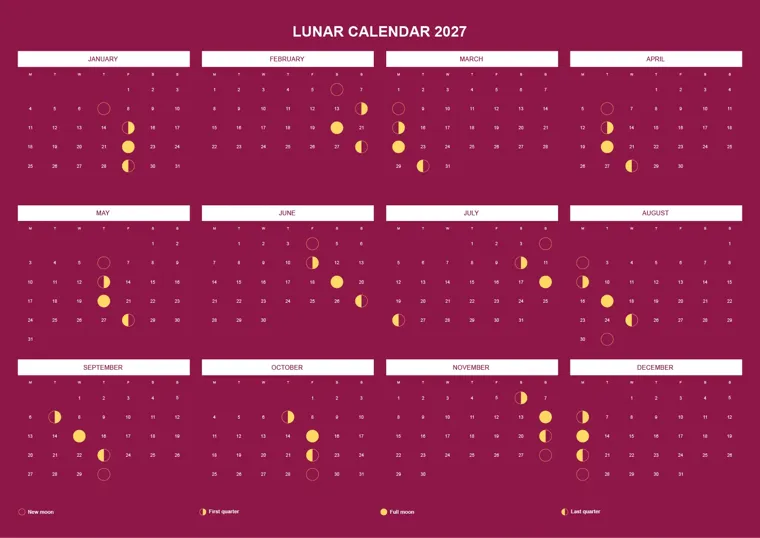
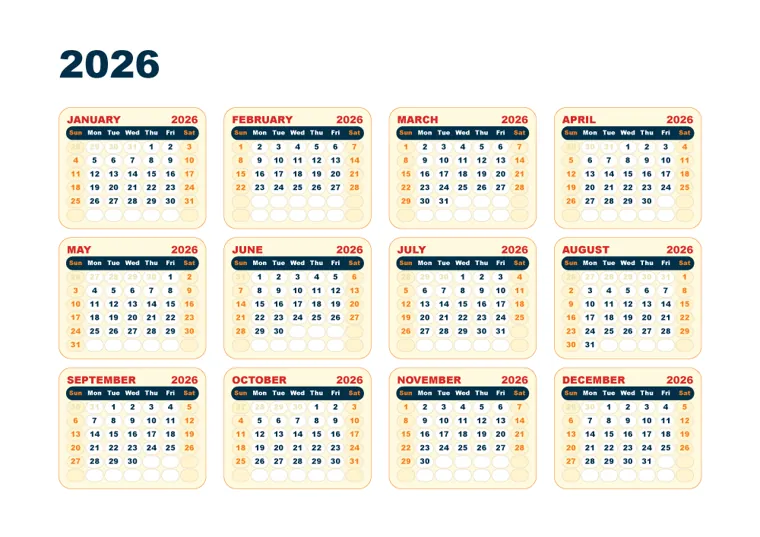
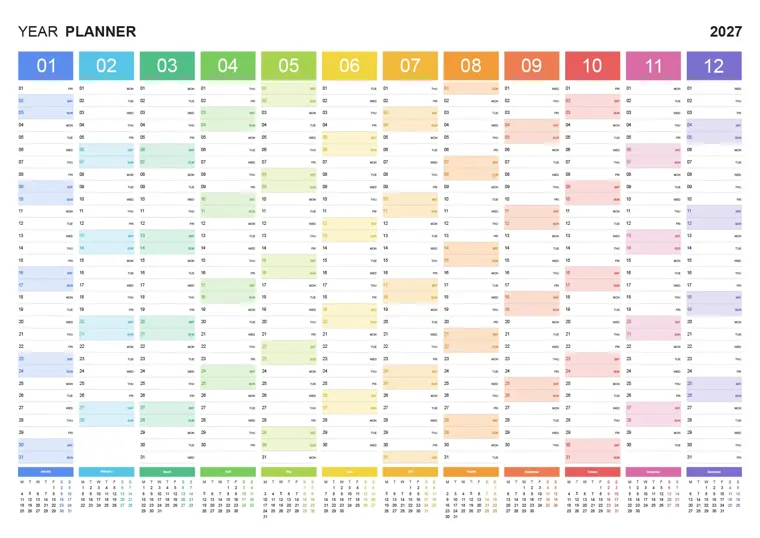
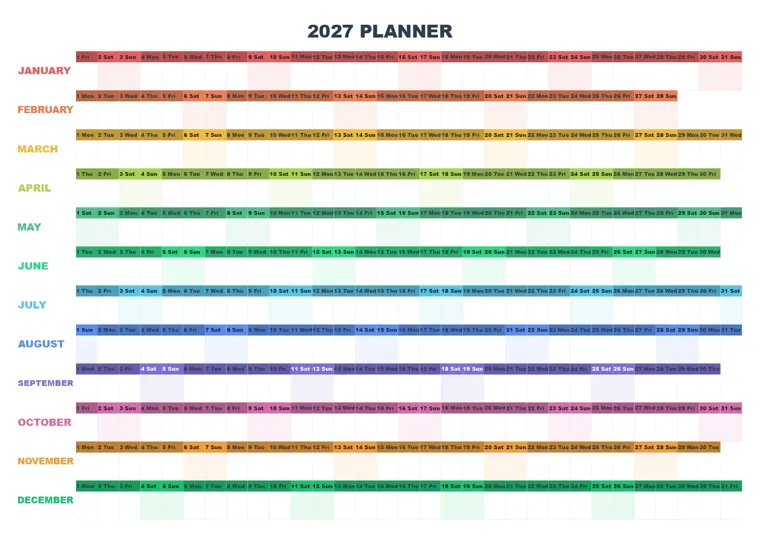
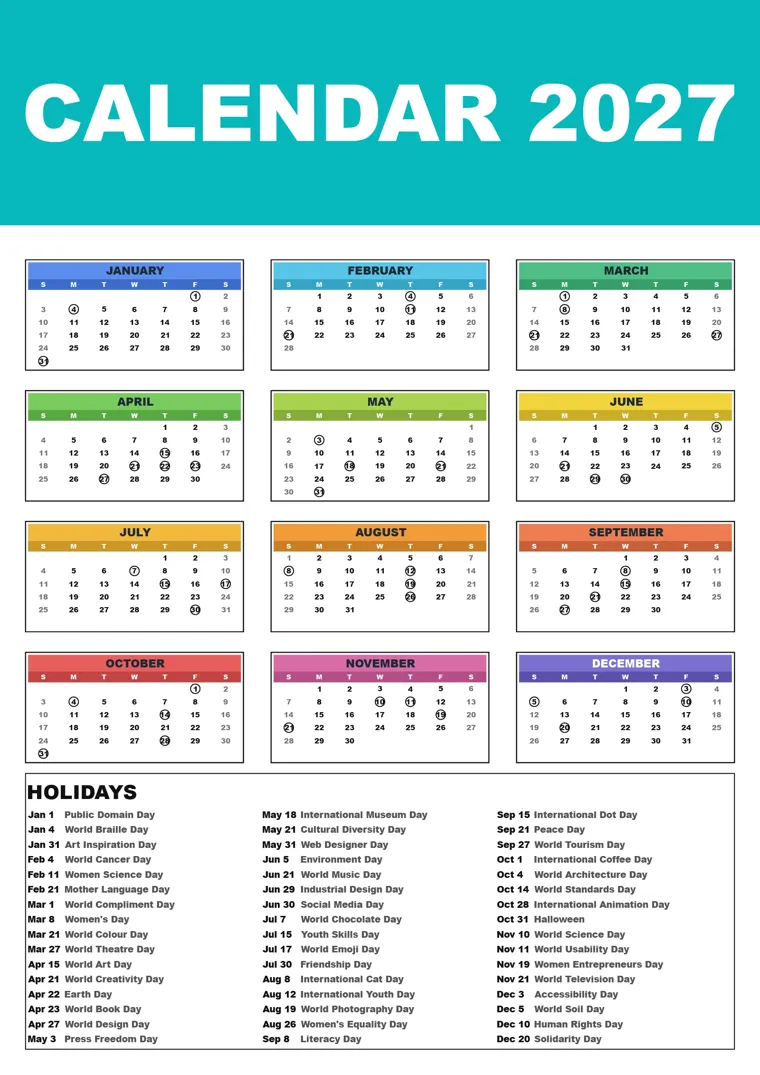
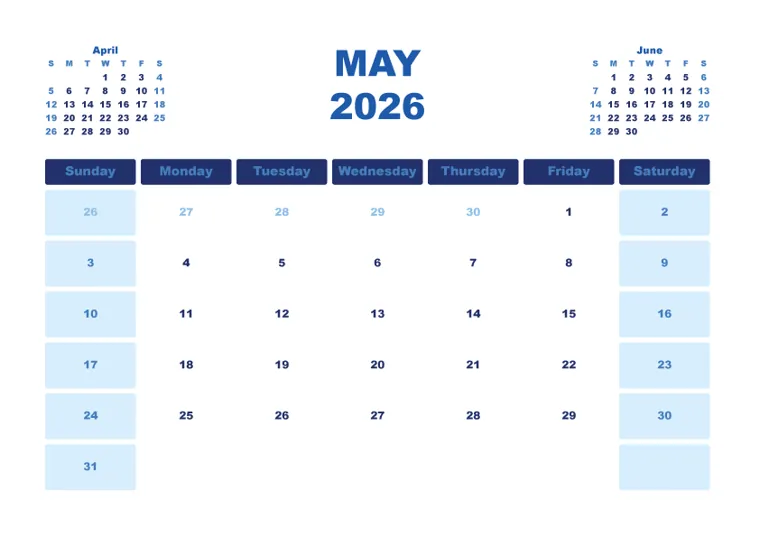
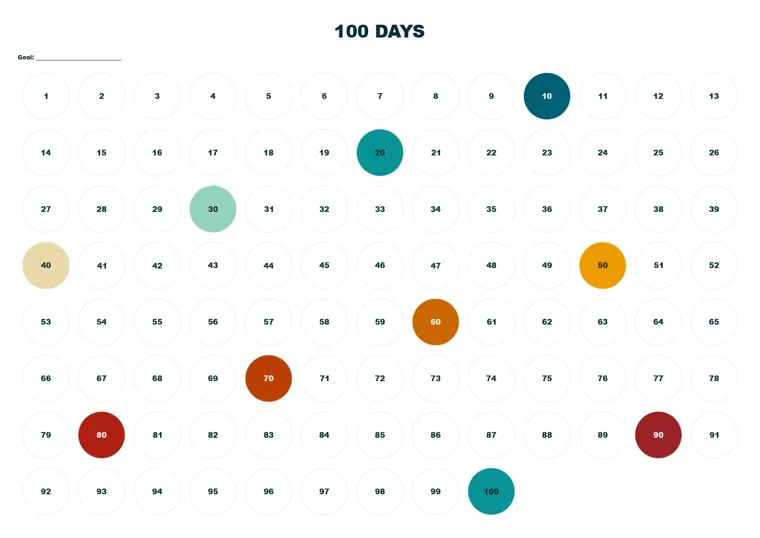
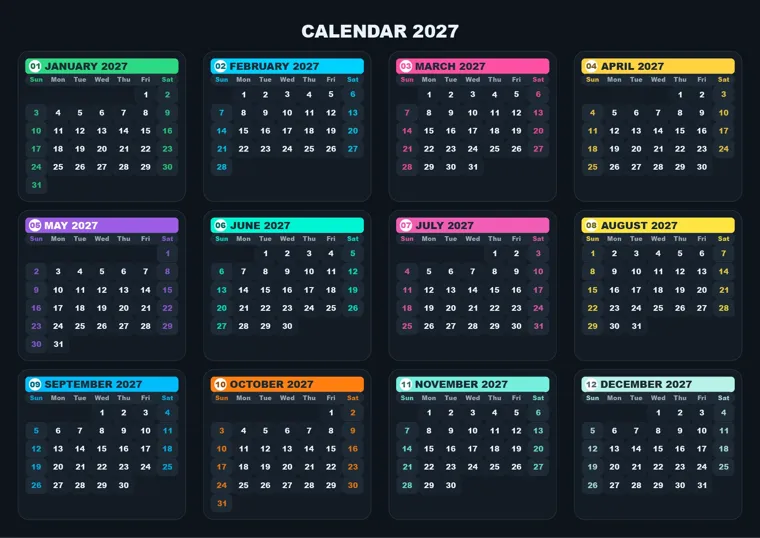
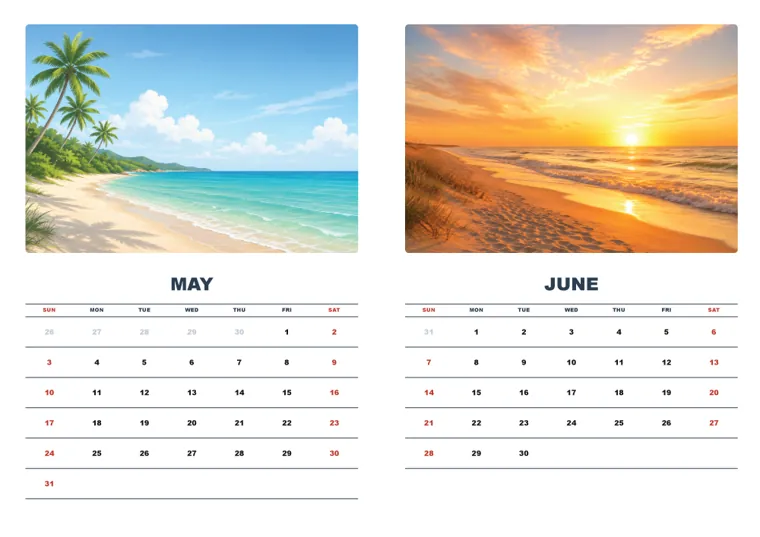
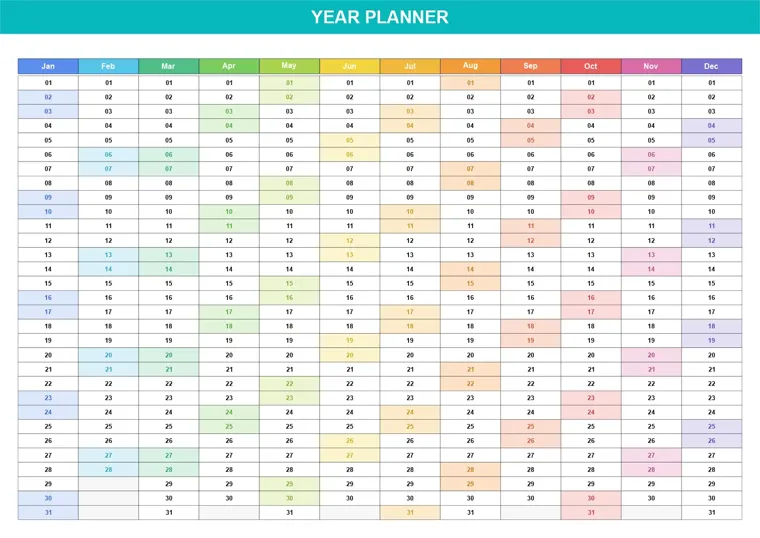
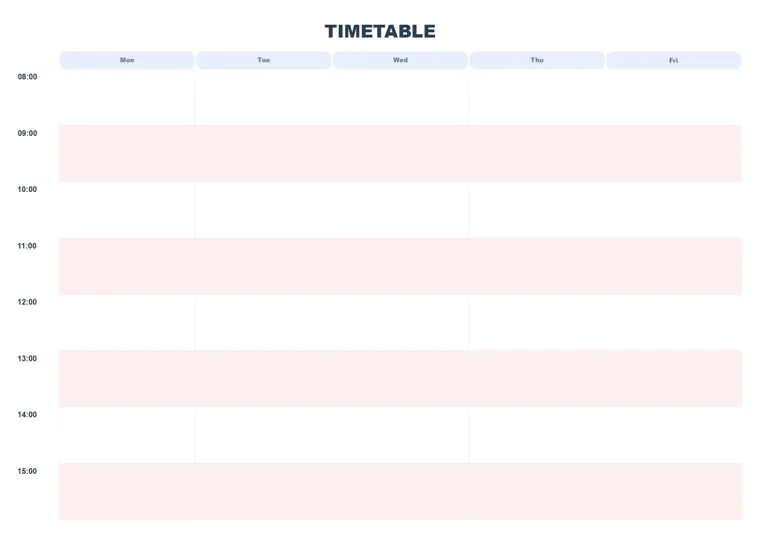
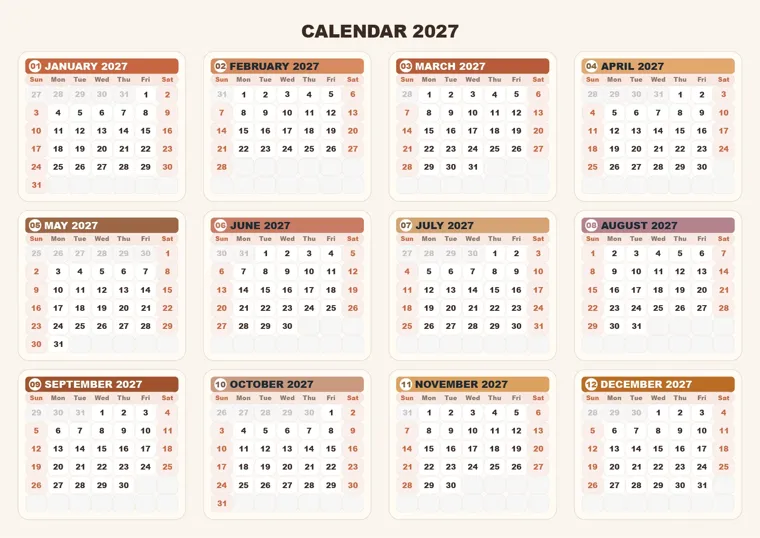
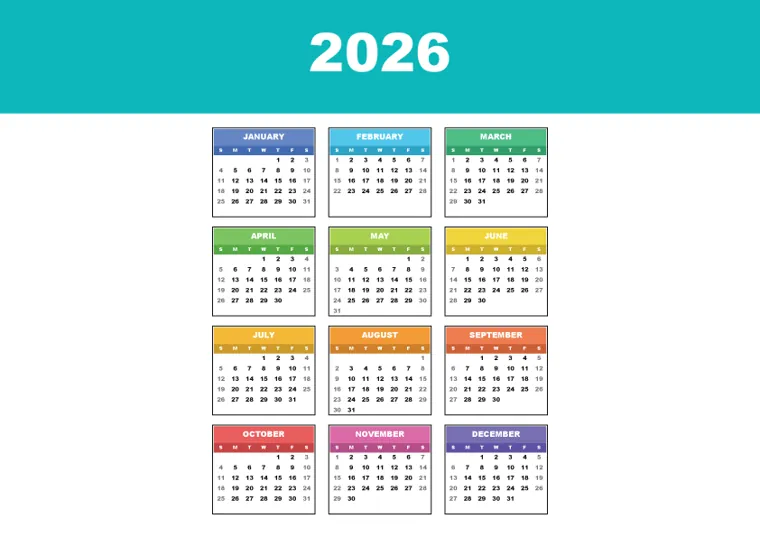
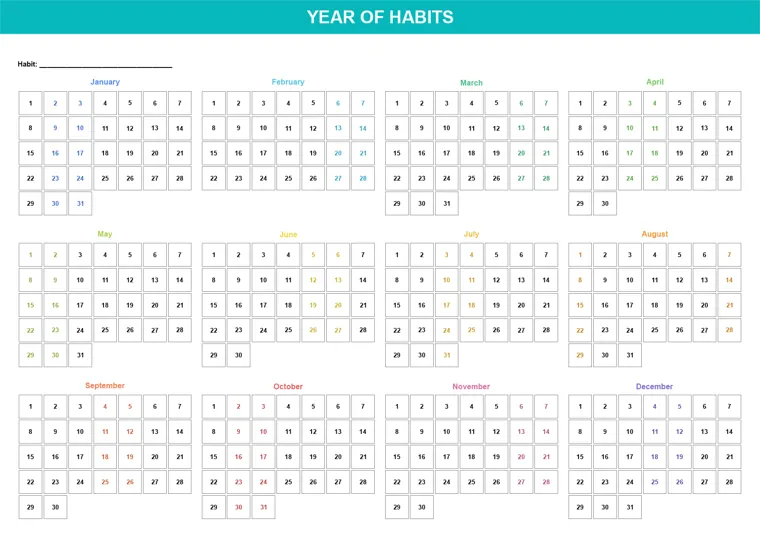
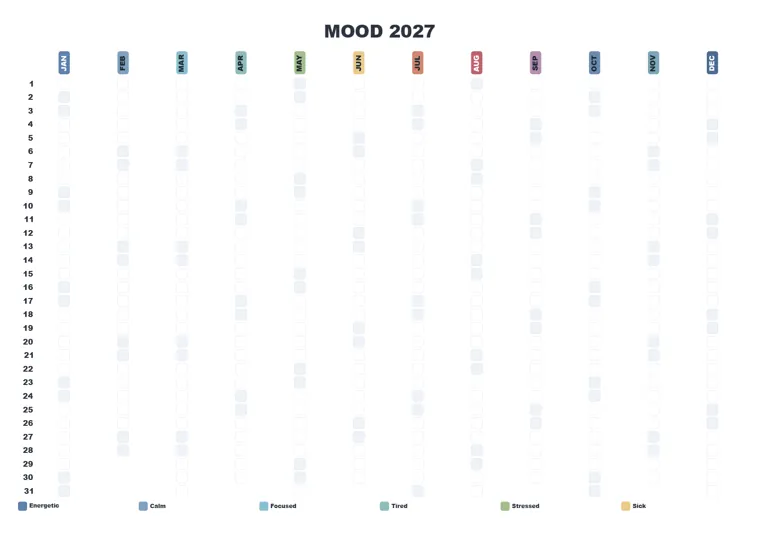
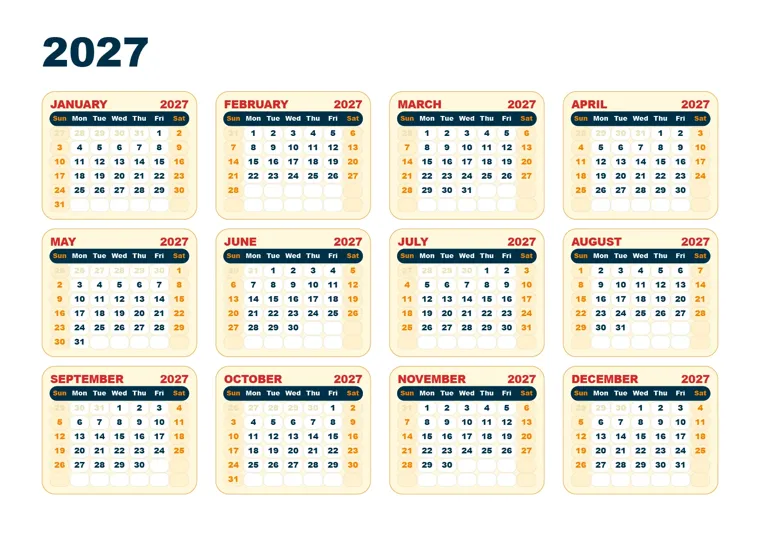
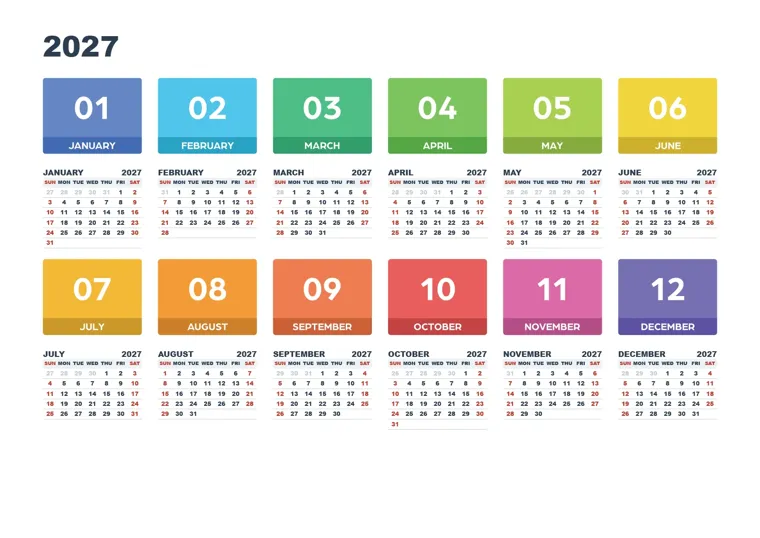
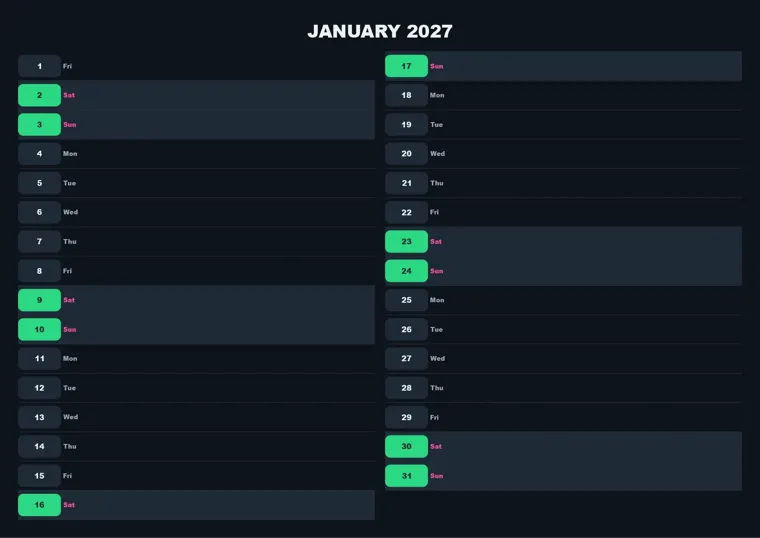
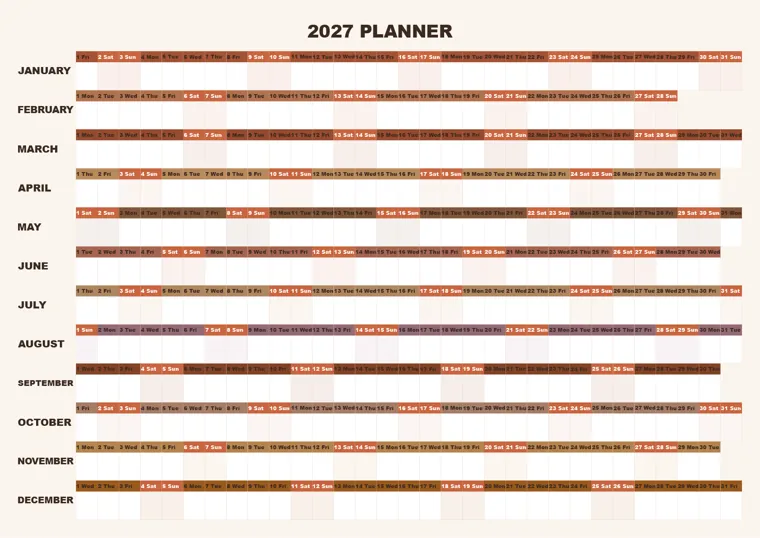
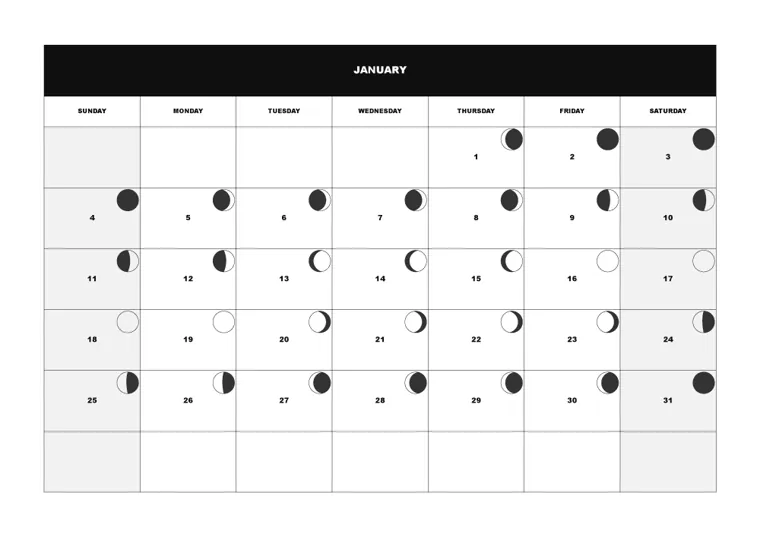
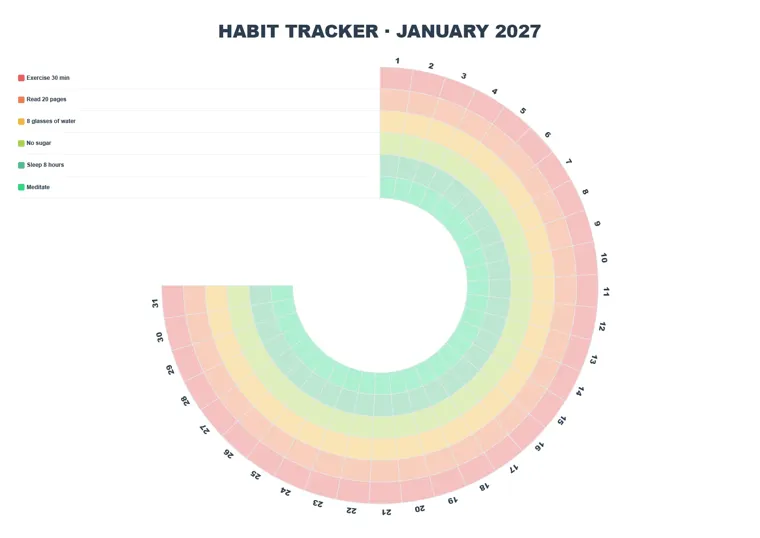
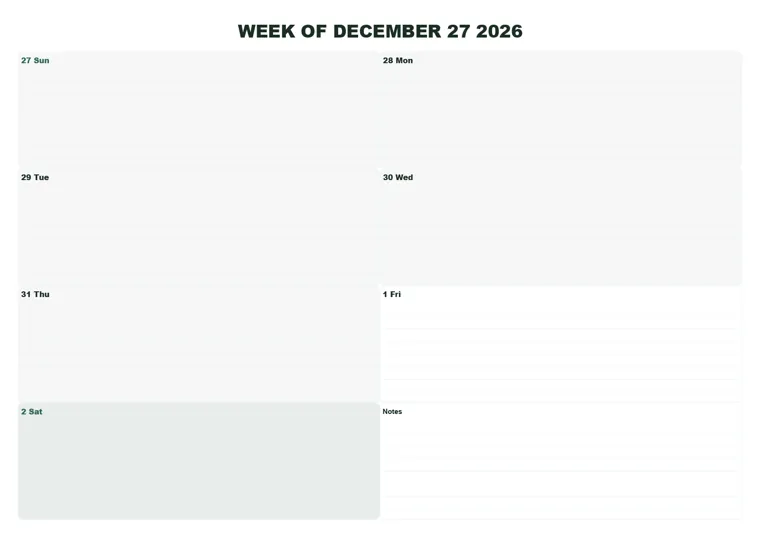
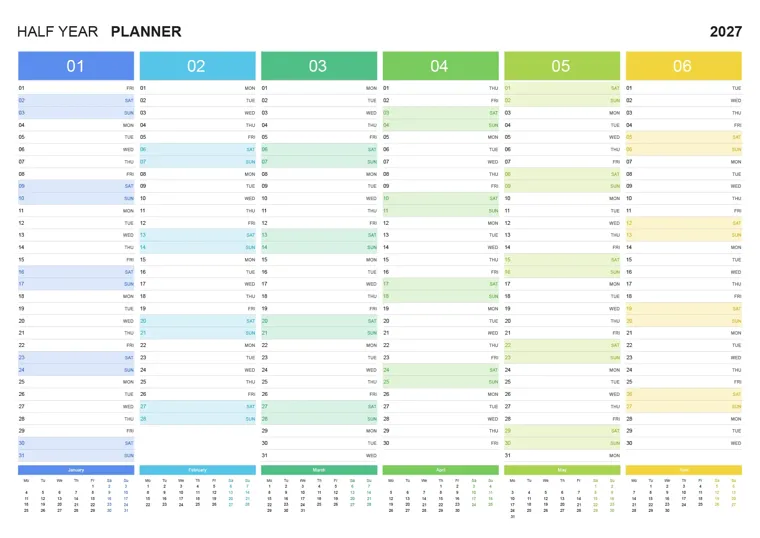
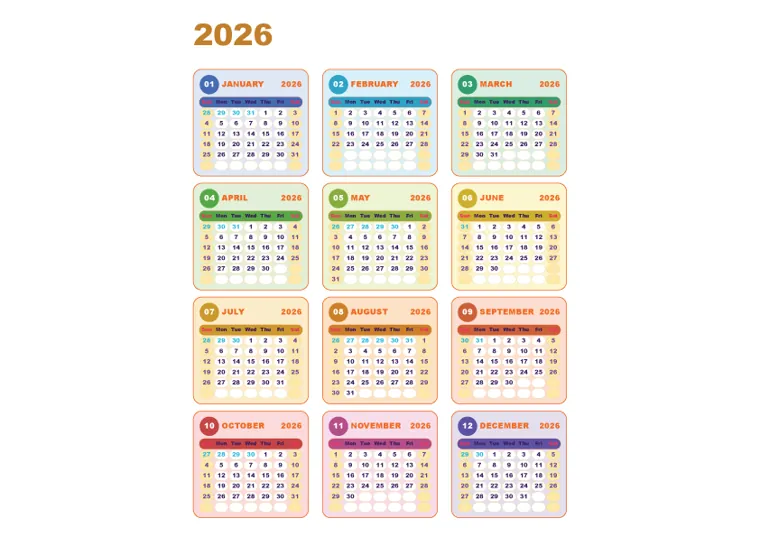
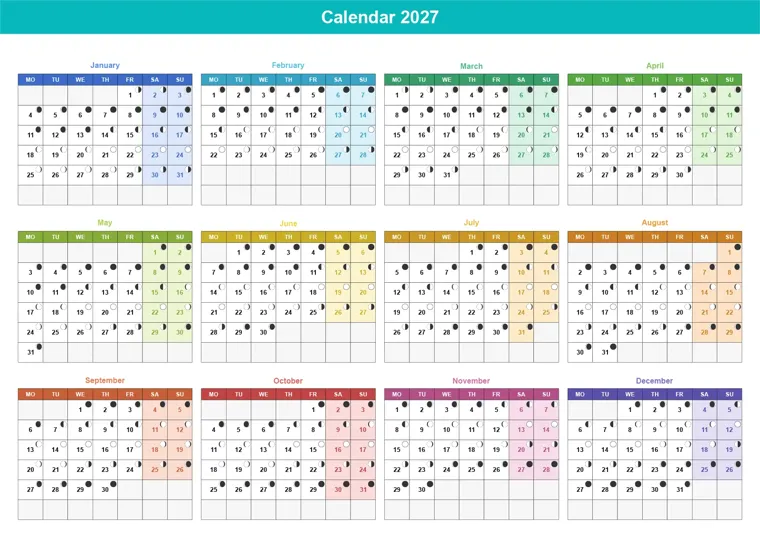
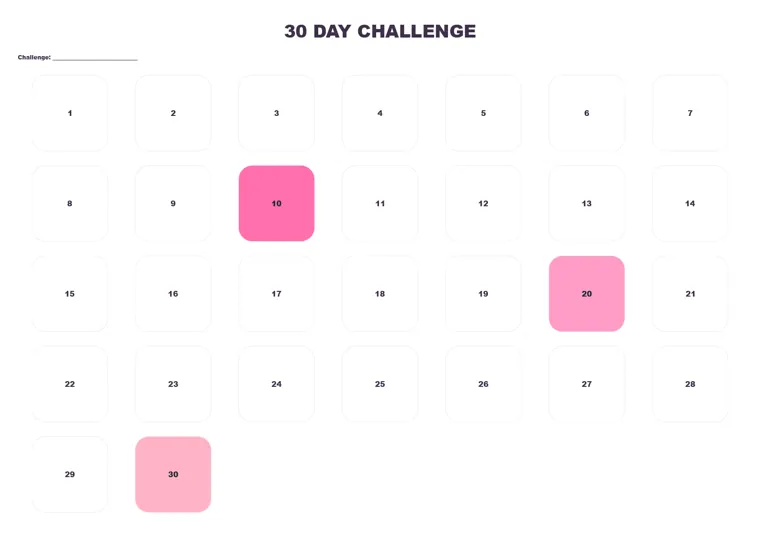
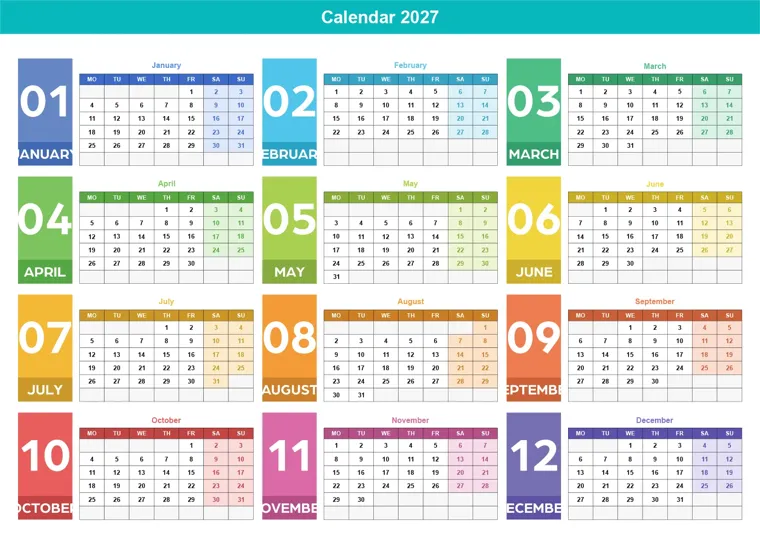
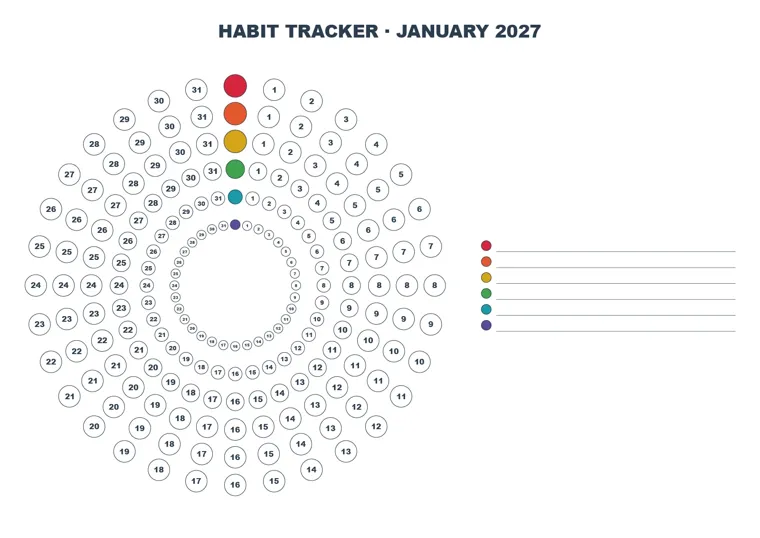
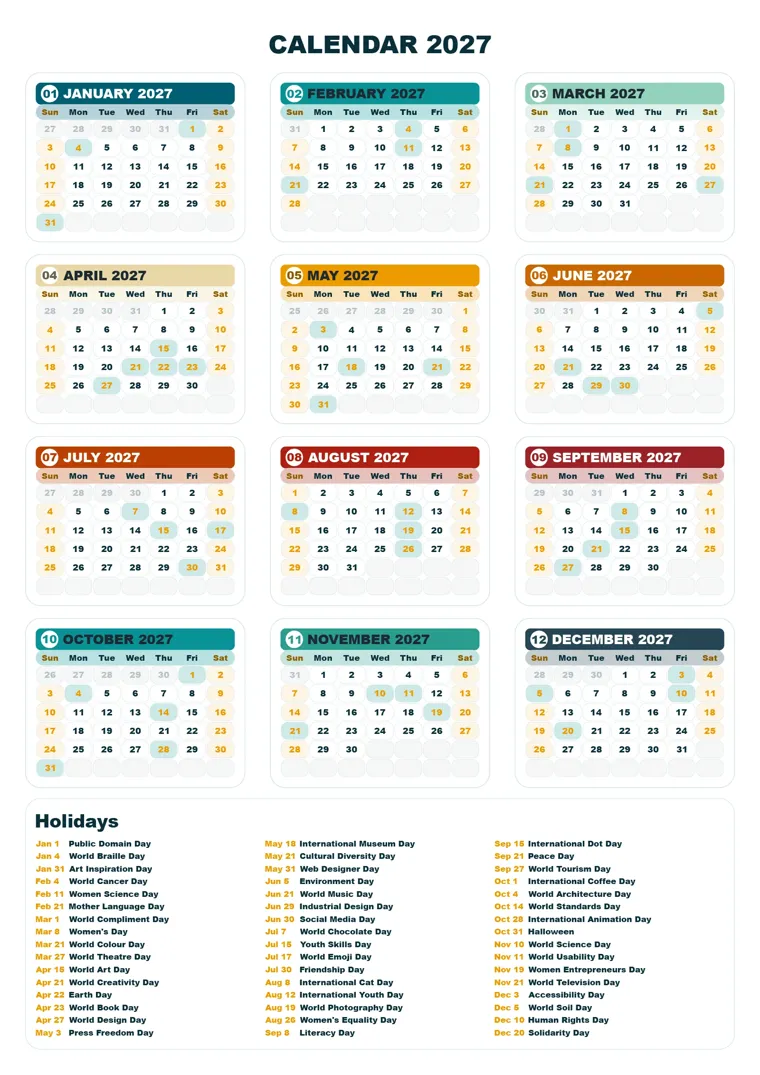
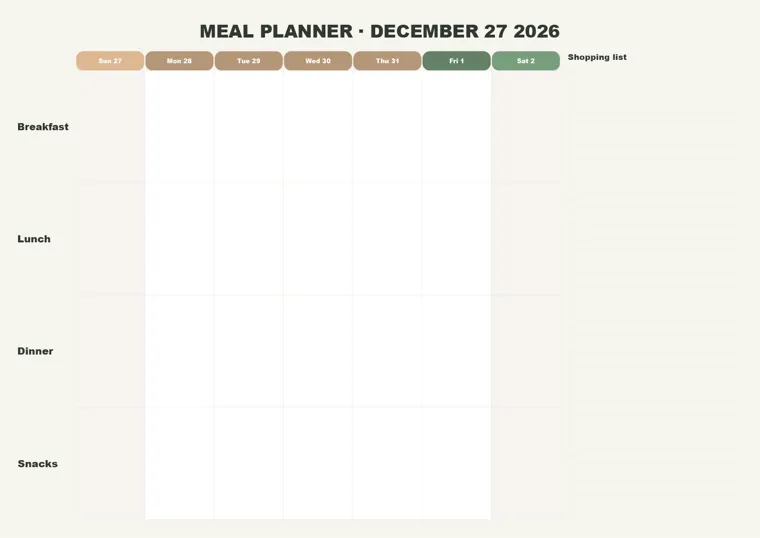
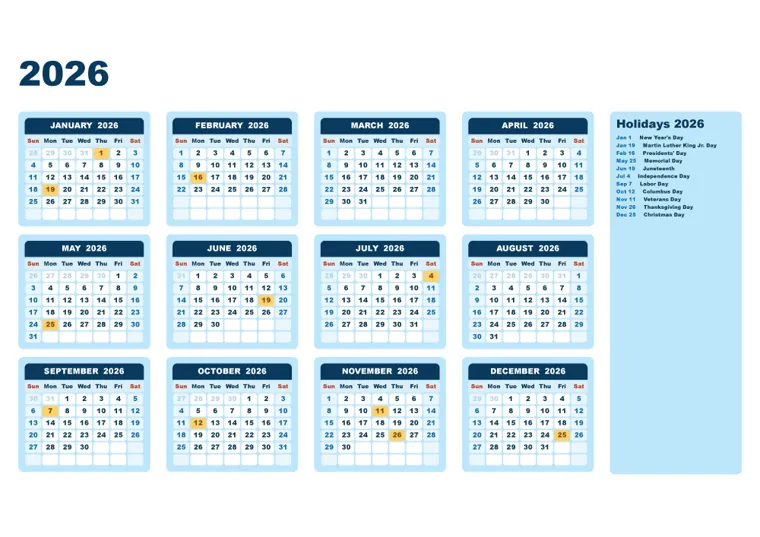
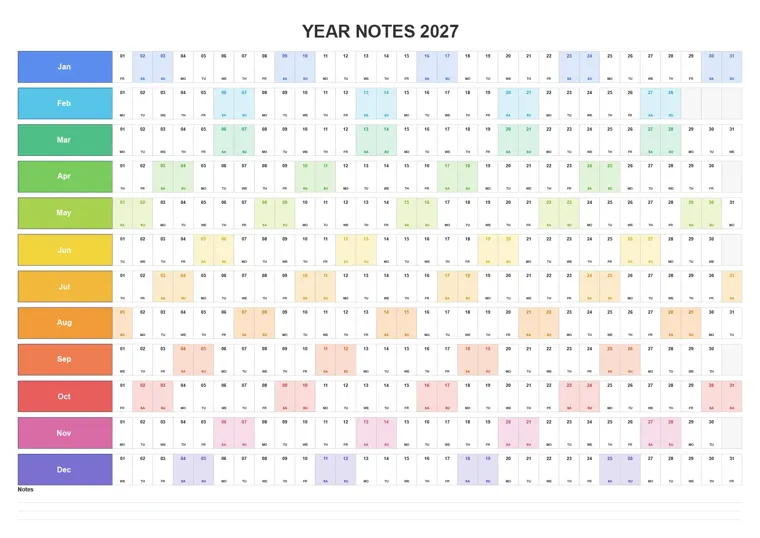
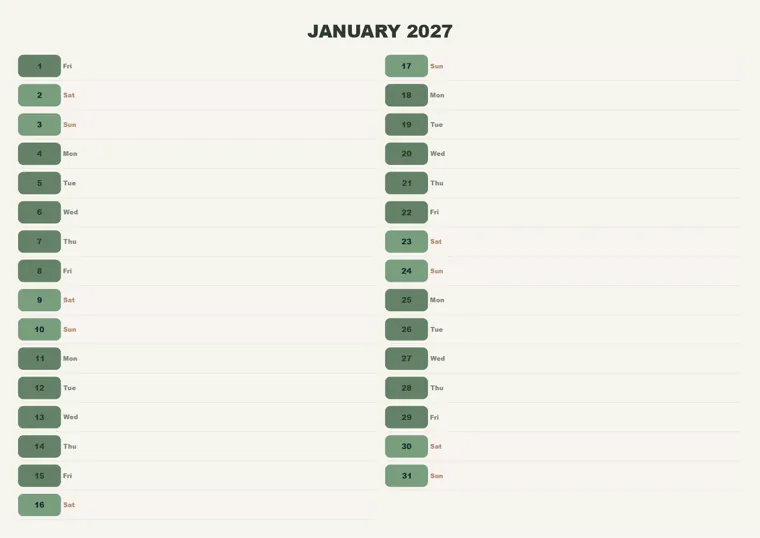
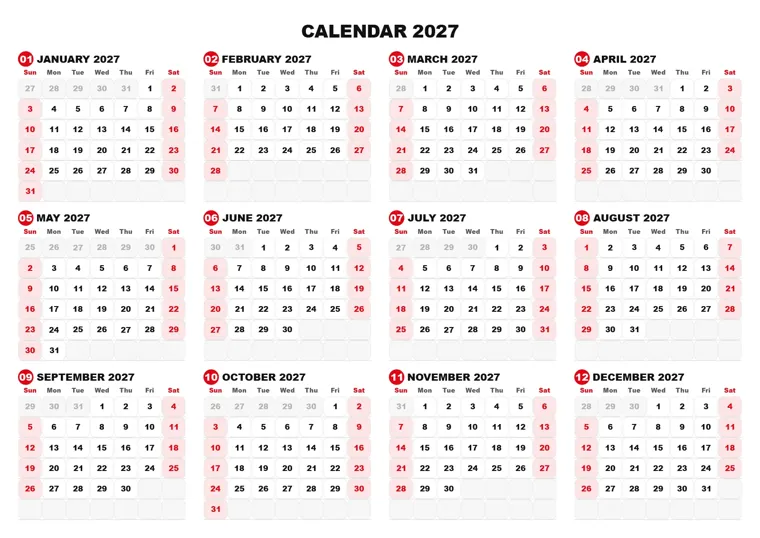
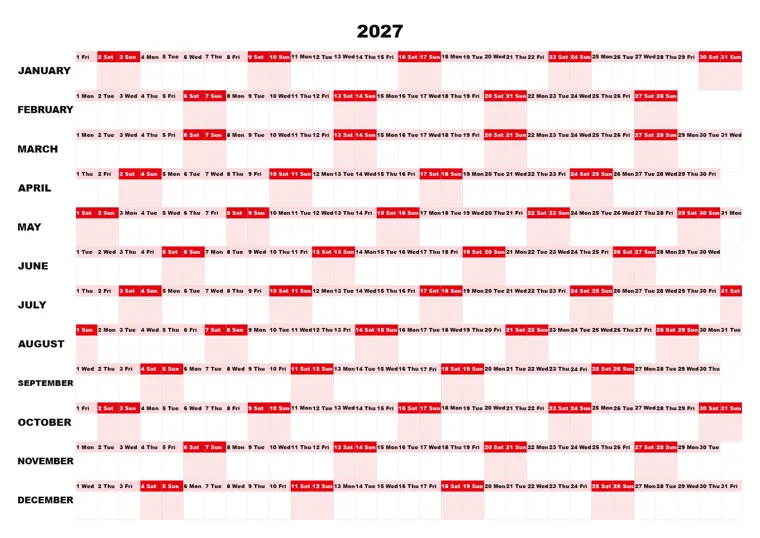
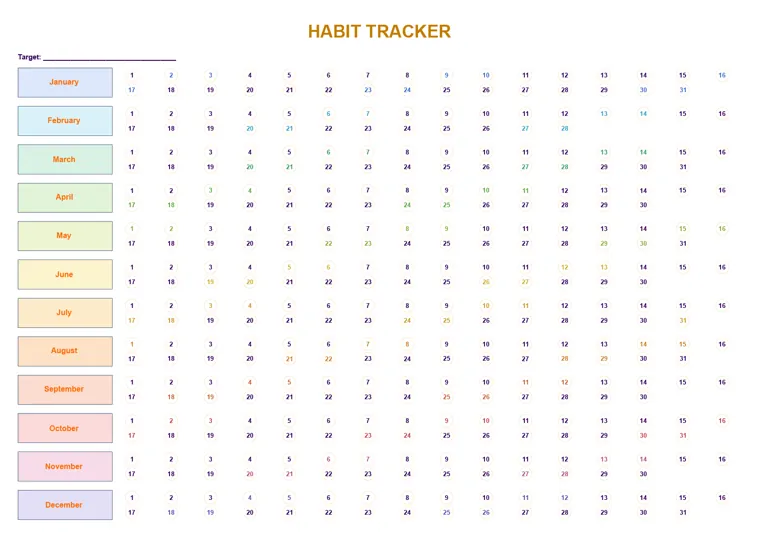
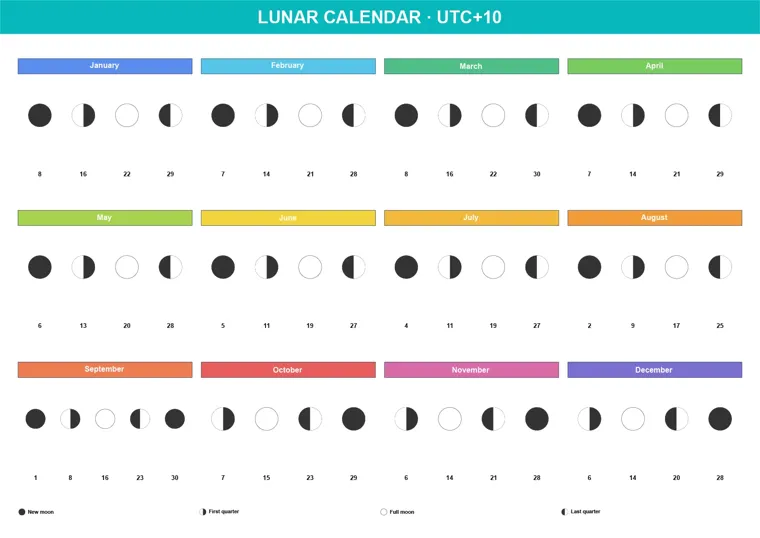
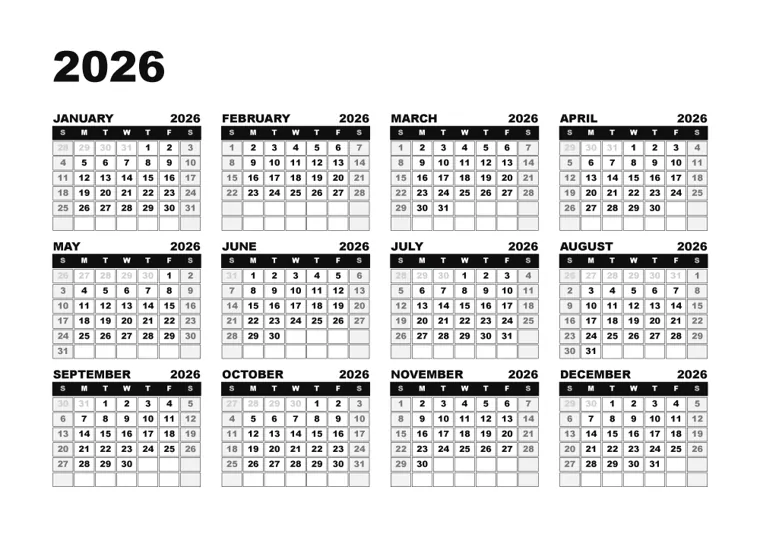
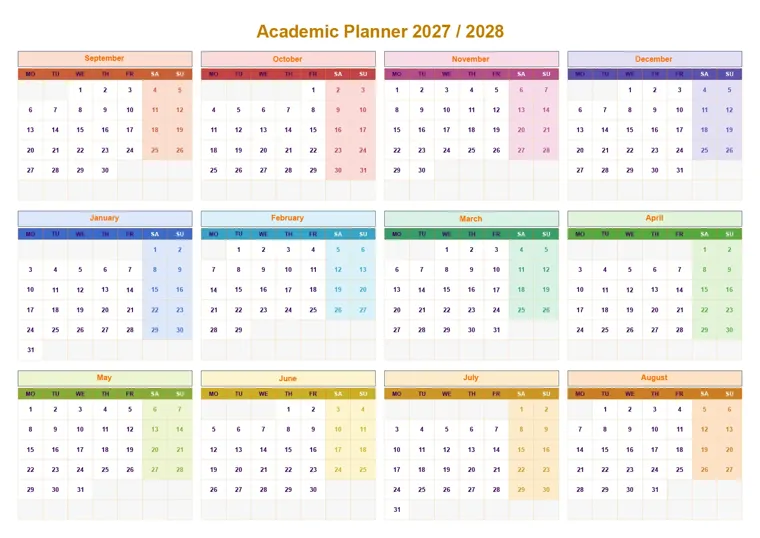
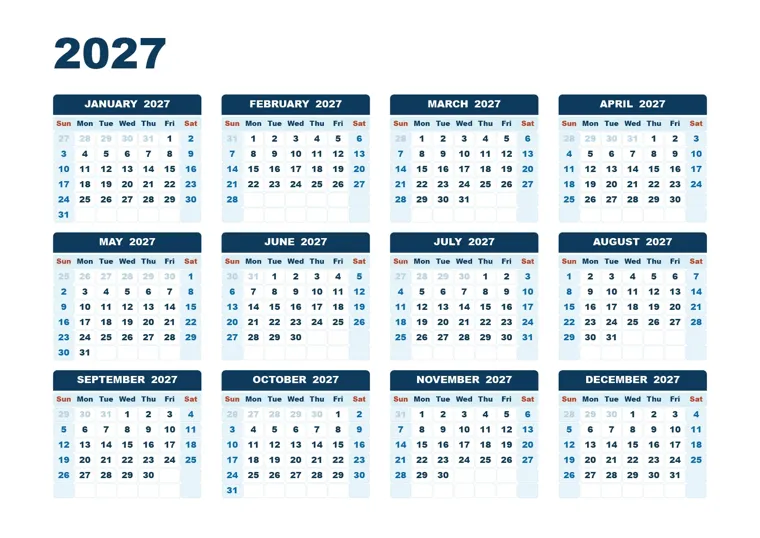
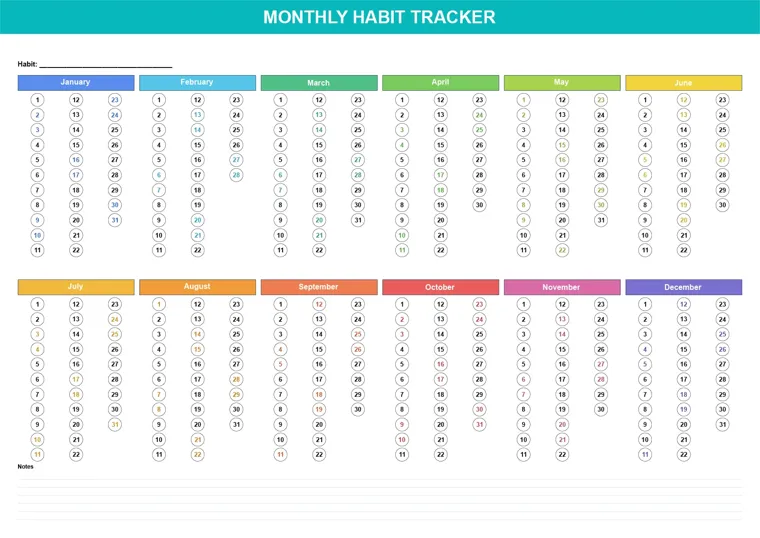
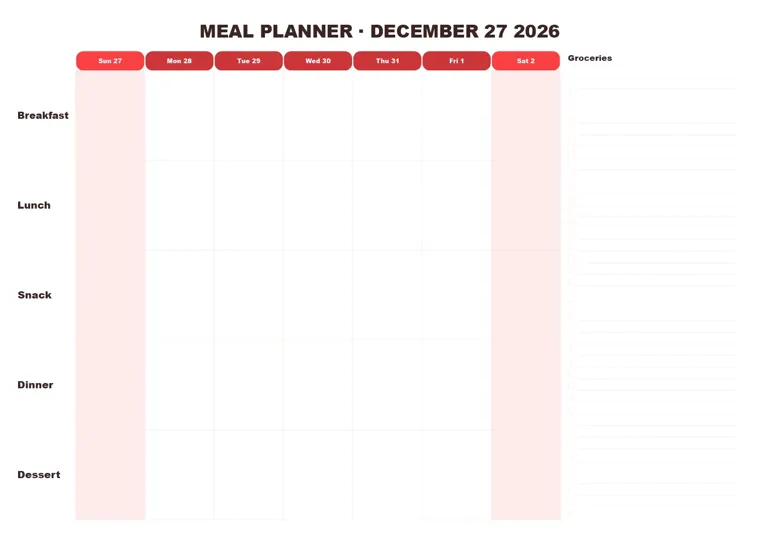
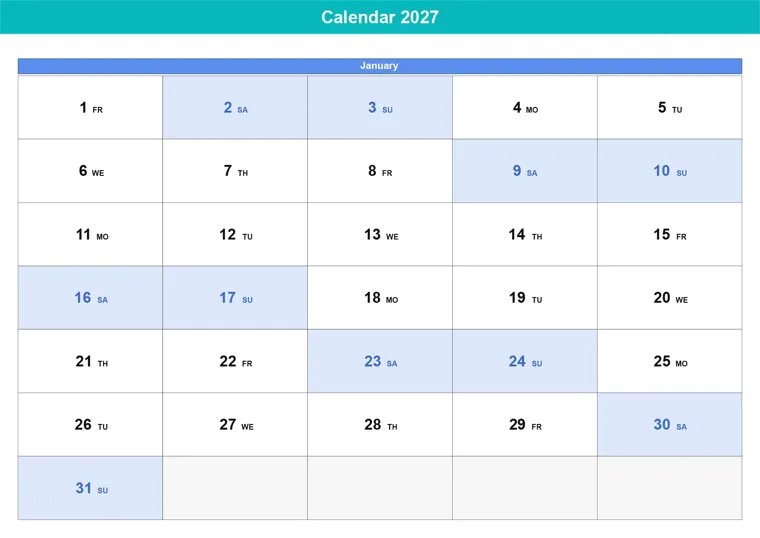
Colors, fonts, sizes and layouts are all settings, so every preset is a starting point.
Already a customer? Version 3.0 is a free update. Download it from your Gumroad library and install it over your current version. Your license and saved settings carry over.
Up from 40+. Standard, Planner, Color themes, Year planners, Grids, Minimal, Photo, Moon, Habit trackers and Creative. A preset browser with search, filters, favorites, recent and live thumbnails.
Calendar, year planner, year in pixels, month agenda, weekly, daily, meal planner, habit tracker, habit wheel, countdown, birthdays, timetable and notebook.
Change one value and only that part is redrawn. After Generate, turning on the preview reuses what's already drawn.
Big jobs are drawn step by step while the app stays responsive, with pages placed where they belong. Stop at any time and your document is left as it was.
Show holiday names in the cells, keep the normal date size and wrap long names onto several lines. A card behind the holiday list, too.
ISO A0–A6, US, planner inserts, posters, squares and digital sizes with a portrait/landscape switch. Up to 20 years in one generation. A hex color for every month, with linked colors that follow automatically.
Version 3.0 is free for you. Open your Gumroad library and download it.
Open my librarySet it once, save it as a preset, and generate again for any year, size or language.
See the calendar on your artboard while you edit. Click Generate when it's right.
Month and day names in 99 languages, right-to-left support, and a custom mode for anything else. The panel itself speaks 20 languages.
Fill national holidays for 20 countries in one click, or import your own list. Colored on the grid, listed per month or year.
One image for all months or a folder with one per month. Photo on top, left, right, bottom or full-bleed pages.
Moon calendars and phase icons in the cells, for the northern or southern hemisphere.
Separate fonts, sizes and colors for the year, months, month numbers, day names, dates, week numbers, events and holidays.
A color for each month's header, number, day names, card and weekend, linked or set one by one. Rainbow, Seasons, Pastel and Mono in one click.
Presets scale to your artboard or page, portrait or landscape, and always stay inside it.
ISO week numbers, mini previous/next months, highlight shapes, any first weekday, blank and undated planners.
Etsy, KDP and printable shops: build a full line of calendars, planners and trackers, in every size and language your buyers want. What you make is yours to sell.
Branded corporate calendars for clients, in the client's fonts and colors, redone for next year in minutes.
Wall, desk and poster calendars on any page size, with local holidays, ready for print.
Academic years that start in September, timetables, weekly and daily pages, habit and mood trackers.
Move the sliders to estimate the time you get back each year.
Time you get back
38 hoursWorth about
$1,140 Estimate, counting about 12 minutes per calendar with CalenClick. CalenClick costs $49, once. Get my time back
Illustrator & InDesign · Windows & macOS · CC 2020 and newer
Secure checkout on Gumroad · Instant download · License key by email
Adobe Illustrator and Adobe InDesign, CC 2020 or newer, on Windows and macOS. One purchase covers both apps.
No. You pay once and keep it. Updates are included.
No. Version 3.0 is a free update. Download it from your Gumroad library and install it over your current version. Your license and saved settings carry over.
Yes. The calendars you generate are yours to use in personal, client and commercial work, including printables you sell, with no attribution. Only the plugin files themselves may not be shared or resold.
Completely. Calendars are native vector artwork: text frames, shapes and colors you can restyle with your usual Illustrator or InDesign tools.
99 calendar languages for month and day names, right-to-left support, and a custom mode to type your own names. The panel interface is available in 20 languages.
Yes. Auto-fill public holidays for 20 countries, type or import your own list, and show the names in a holiday list, inside the day cells, or both.
There is no trial. The examples on this page and the demo video show exactly what the plugin makes. Questions before buying? Email [email protected].
You receive a .zxp extension file and a license key. Install it with a free ZXP installer, restart your app, and open the panel from Window → Extensions.
147 presets. 99 languages. Illustrator and InDesign. $49, once.
Get CalenClick Pro Advanced