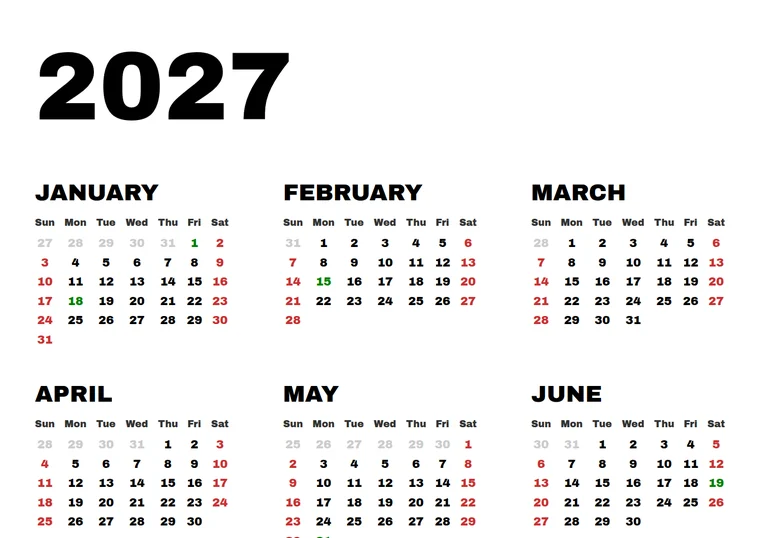
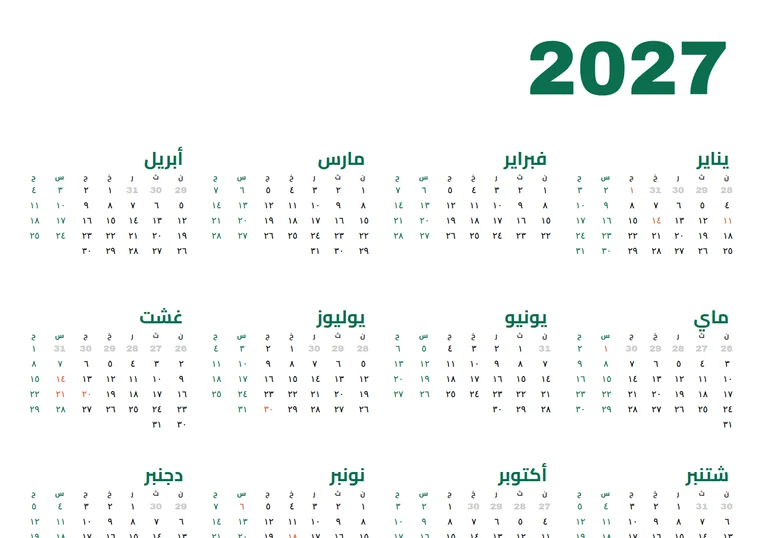
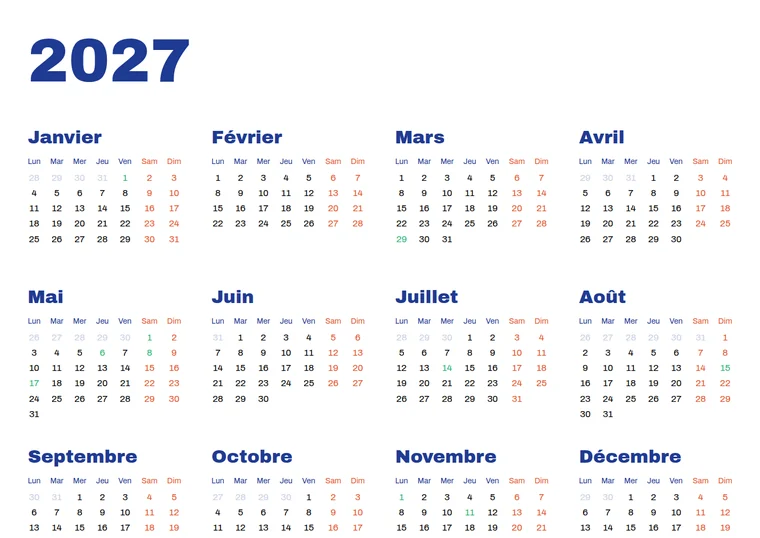
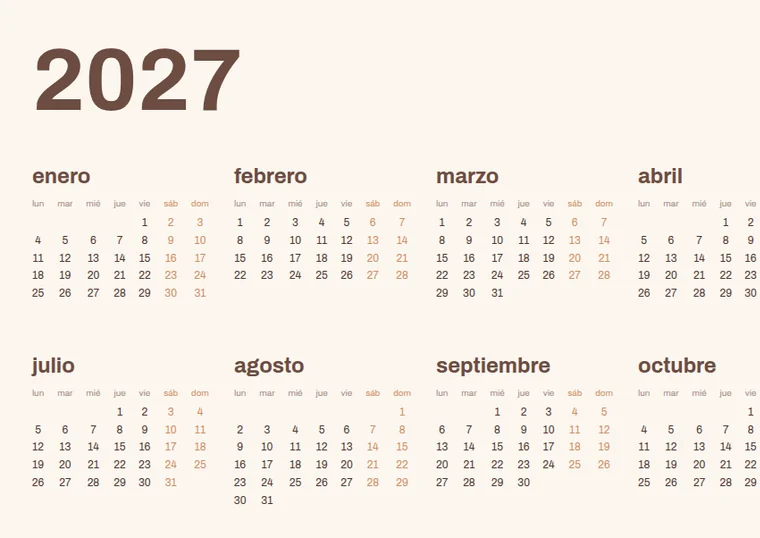
CalenClick Pro is a small Illustrator script that draws a complete, fully editable 12-month calendar on your artboard: year title, months, day names, dates, weekends and a holiday list, in your fonts and colors.
In Illustrator, open or create a document and run CalenClick Pro from File → Scripts.
Year, language, layout, holidays, fonts and colors, in five tabs. Your last settings come back next time.
The calendar is drawn on the active artboard, in its own layer named after the year, ready to edit.
Each calendar below was generated by the Pro script with different settings. Click any calendar to view it full screen.
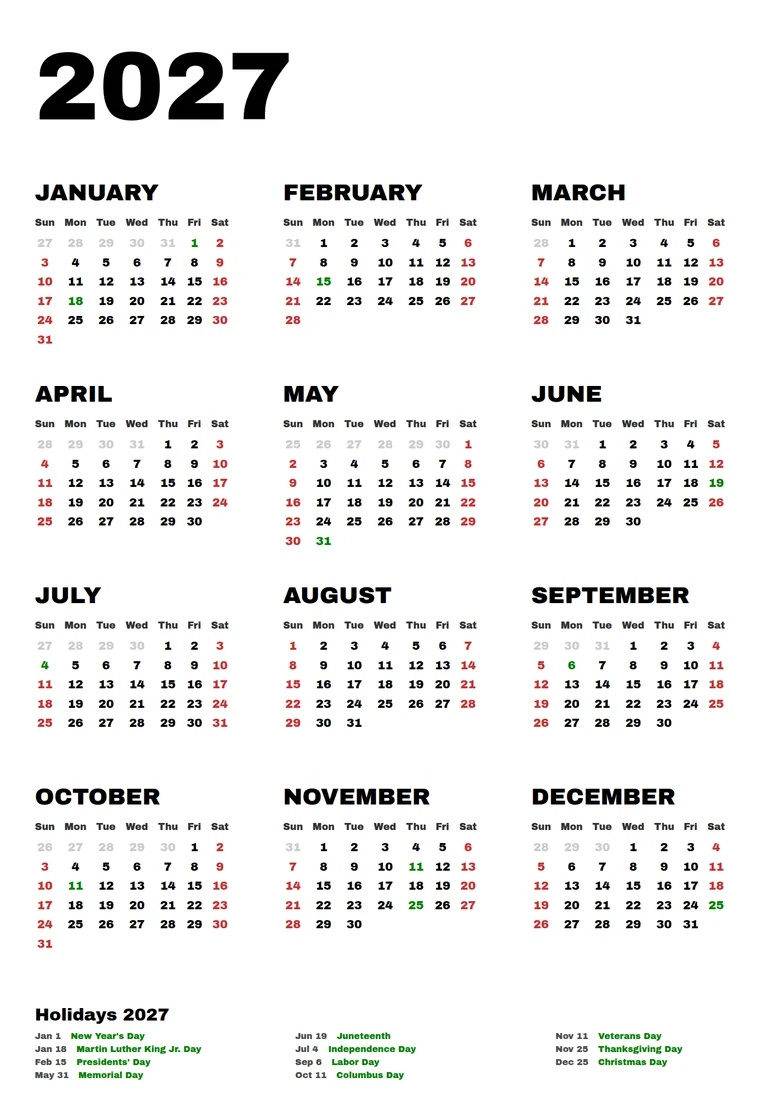
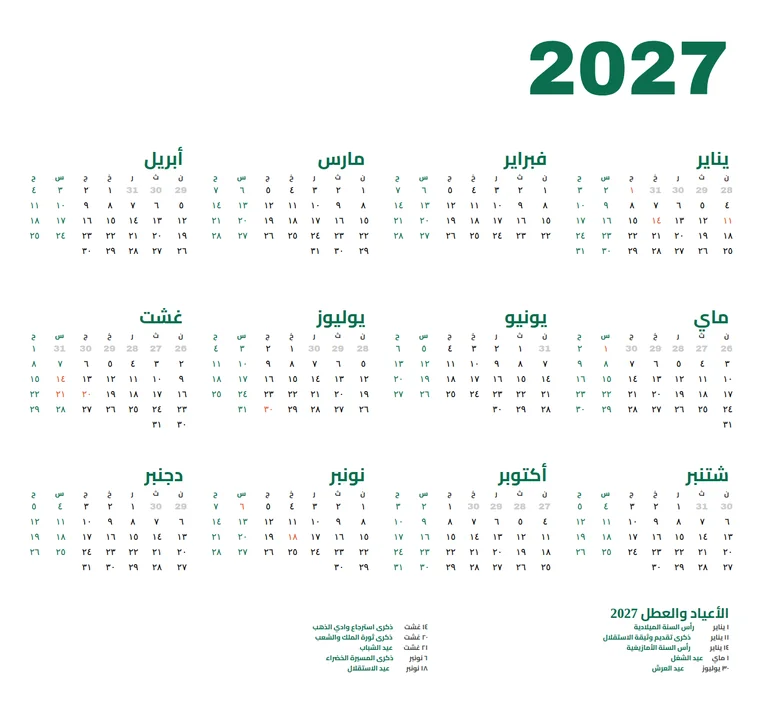
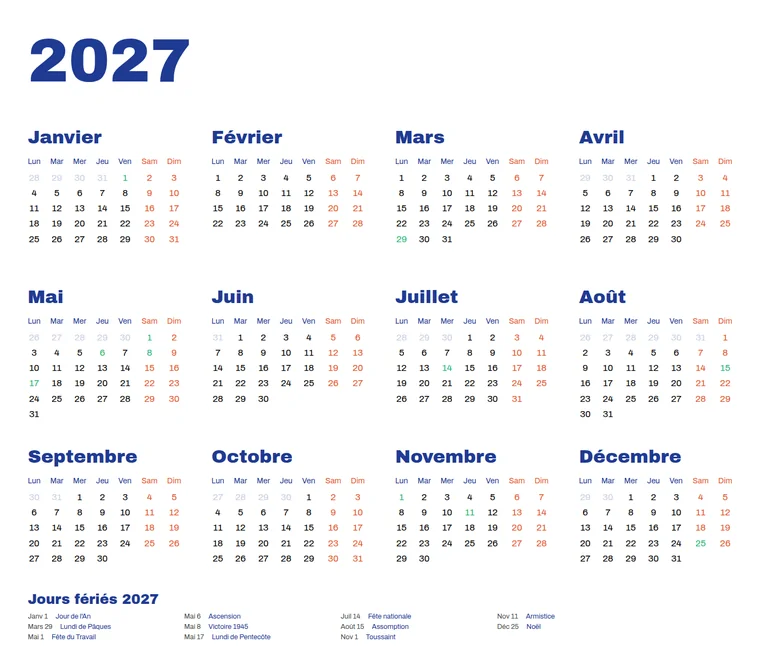

Want more styles? See what the plugin or the Advanced script makes.
 CalenClick Pro v1.1– ▢ ✕
Click a tab to see what it controls. Your last settings are saved when you generate, and you can export them as a file to reuse or share with your team.
Year title, 12 month titles, day names and every date, placed in the columns and rows you choose.
English, French, Spanish and Arabic presets. Pick Custom and type your own month and day names in any language.
Right-to-left direction for Arabic and other RTL languages, with Arabic-Indic digits for the dates.
Type holidays or import them from a CSV or TXT file. Holiday dates are colored on the grid and listed below the calendar.
Sunday or Monday first, weekend colors, and days from the previous month shown in a lighter color, or hidden.
Font, size and case for the year, month titles, day names, dates and the holiday list. Load all system fonts when you need them.
Eleven hex color settings, from the year title to the holiday names.
Save as default, export and import settings files, or reset to the original defaults.
Everything is live Illustrator text in its own layer: restyle, recolor or move anything after generating.
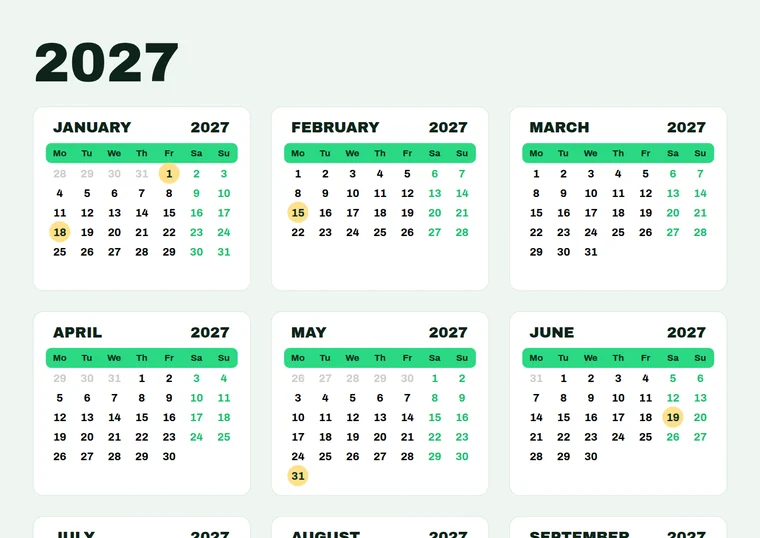
The Pro Advanced Script keeps everything you know from Pro and adds the graphic controls for designed calendars.
Adobe Illustrator · Windows & macOS · CS6 and newer
Secure checkout on Gumroad · Instant download
Adobe Illustrator CS6 and newer, on Windows and macOS.
No, the script is for Illustrator. The CalenClick Pro Advanced plugin works in Illustrator and InDesign.
In Illustrator choose File → Scripts → Other Script… and pick the .jsx file. To have it in the Scripts menu, copy the file into Illustrator's Scripts folder and restart Illustrator.
Yes. Use the English, French, Spanish or Arabic preset, or choose Custom and type your own month and day names. Turn on Right-to-Left Direction for RTL languages.
Type one per line as YYYY-MM-DD: Name, or import a CSV/TXT file with lines like 2027-01-01,New Year's Day. Holidays of the calendar year are colored on the grid and listed under the calendar.
Yes. It is plain Illustrator text in a new layer, so you can change anything after generating.
Yes. The Pro Advanced Script adds month cards, date cells, day-name bars and highlights, and the plugin adds presets, live preview, InDesign and much more.
Email [email protected].