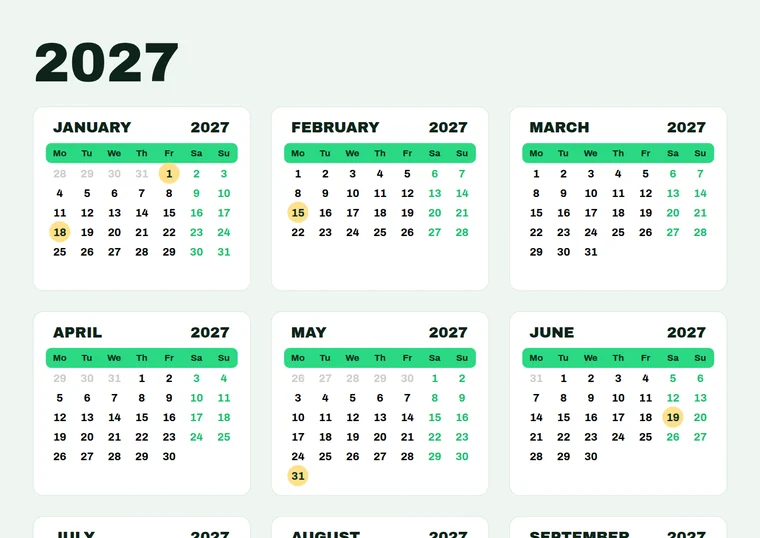
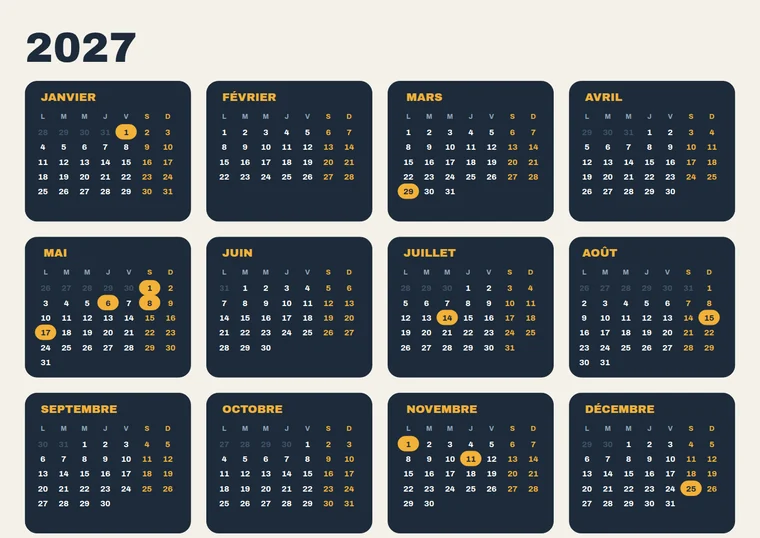
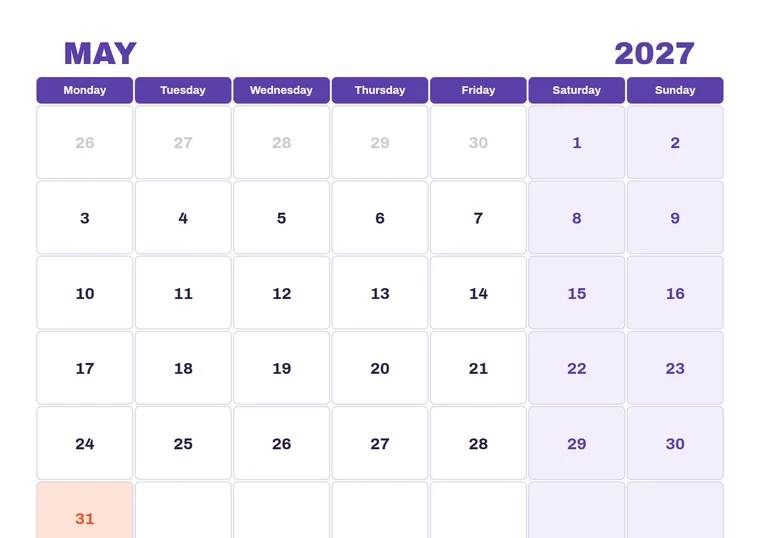
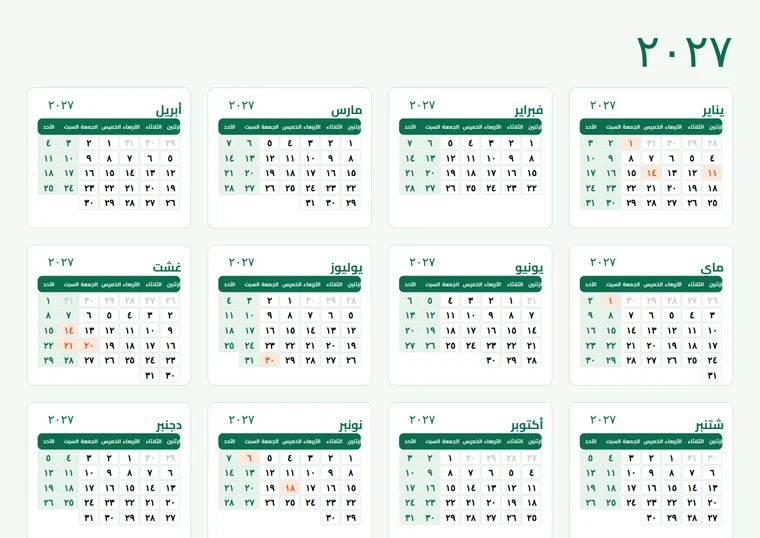
The Pro Advanced Script does everything CalenClick Pro does, and adds the graphic tools for designed calendars and planner pages: month cards, a cell behind every date, day-name bars and holiday highlight shapes.
In Illustrator, open or create a document and run the Pro Advanced Script from File → Scripts.
Year, language, holidays, fonts and colors, plus the Advanced tab for cards, cells, bars and highlights.
12 months or a single month is drawn on the active artboard, in its own layer, ready to edit.
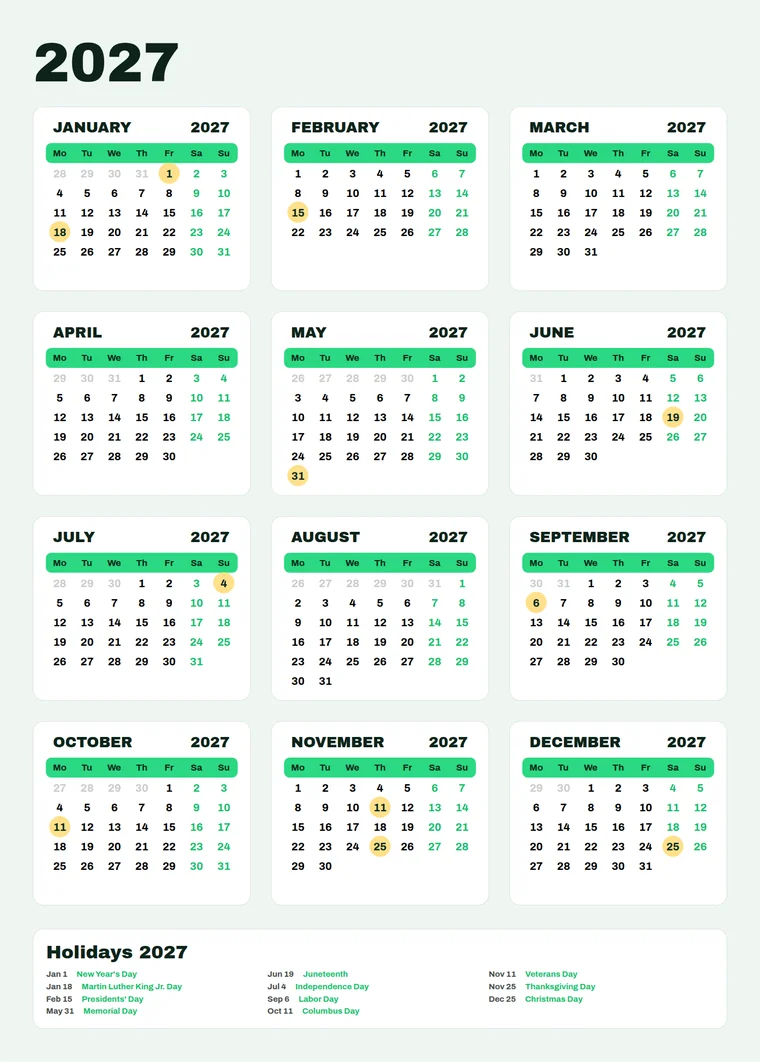
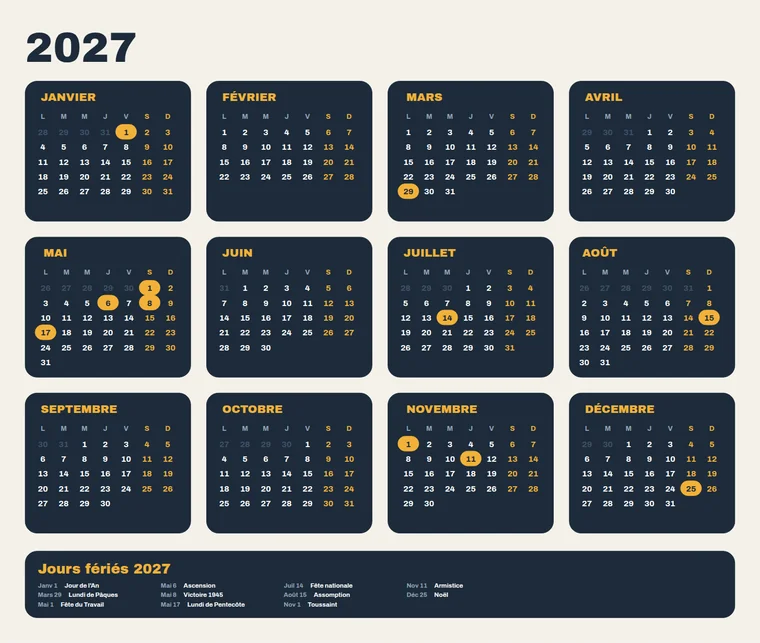
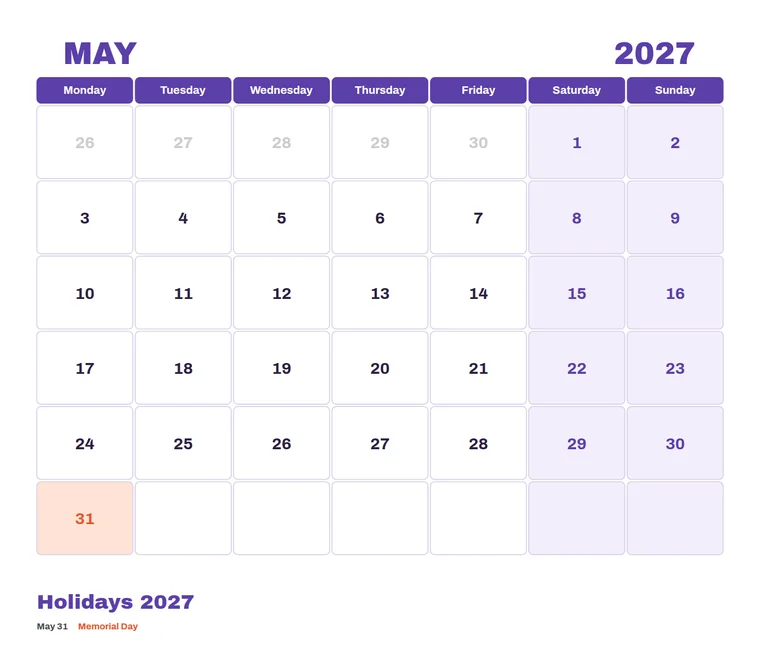
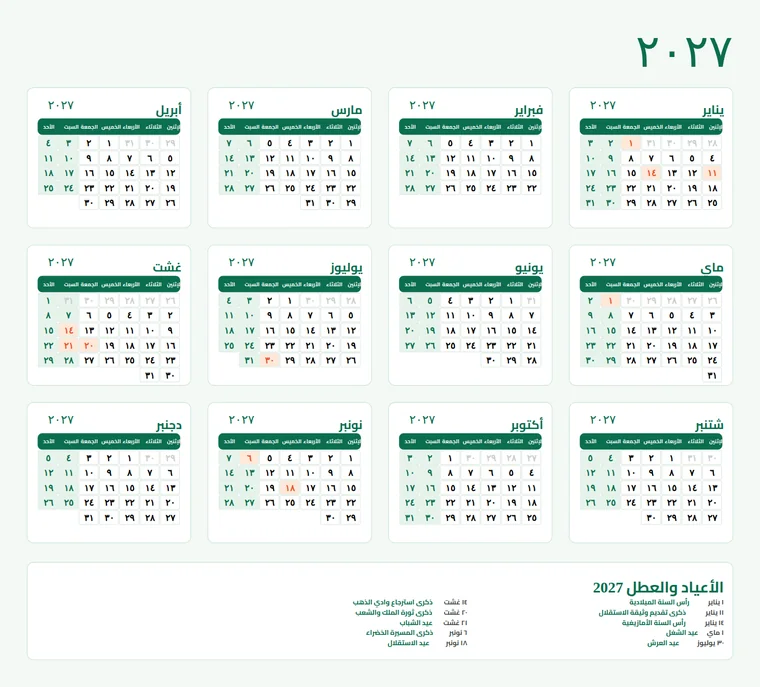
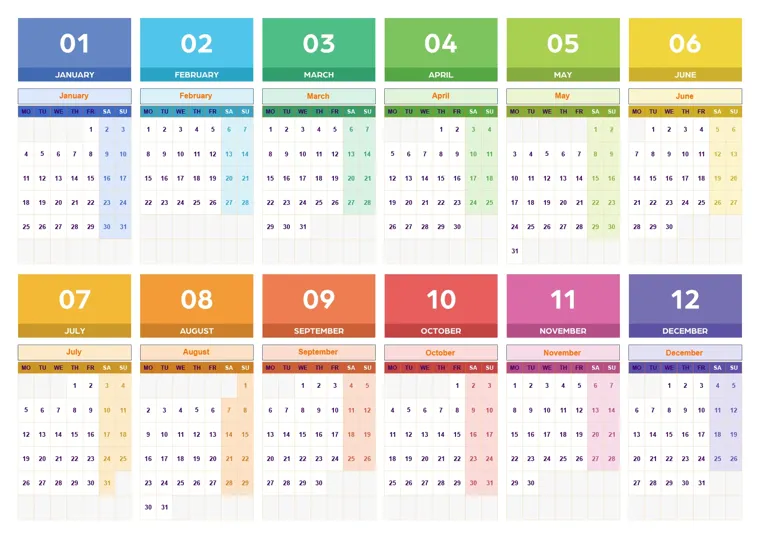
Each calendar below was generated by the Pro Advanced Script script with different settings. Click any calendar to view it full screen.
Want more styles? See what the plugin or the Pro script makes.
 CalenClick Pro Advanced v1.4.1– ▢ ✕
Click a tab to see what it controls. Your last settings are saved when you generate, and you can export them as a file to reuse or share with your team.
A background card behind each month, with padding, corner radius, fill and stroke. Apply the same card to the holiday list.
A vector cell behind every date with its own fills for normal days, weekends and holidays, plus stroke, padding and radius.
Set exact column widths and row heights in millimeters, and fill the blank day slots so the grid is complete.
A bar behind the day names, as one continuous bar or individual cells, with height, radius, fill, stroke, or weekends only.
Circle, square, rounded rectangle or pill behind holiday dates, or holidays and weekends, filled or stroke only.
Generate one chosen month instead of twelve, for monthly planner pages and large wall months.
Show full day names or the first 1, 2, 3 or 4 letters, and add the year next to each month name.
Four language presets plus custom names, right-to-left, holiday list with CSV/TXT import, fonts, case and colors.
Save as default, export and import settings files to reuse a design every year.
The CalenClick Pro Advanced plugin is a docked panel for Illustrator and InDesign that shows the calendar on your page while you edit.
Adobe Illustrator · Windows & macOS · CS6 and newer
Secure checkout on Gumroad · Instant download
Month cards, date cells with separate weekend and holiday fills, day-name bars, holiday highlight shapes, single month mode, exact column widths and row heights, blank cell control, day name length and the year next to the month name.
Adobe Illustrator CS6 and newer, on Windows and macOS.
No, the script is for Illustrator. The CalenClick Pro Advanced plugin works in Illustrator and InDesign.
Yes. Turn on Single Month Mode, choose the month, and set the cell column width and row height to make a large grid with room to write.
In Illustrator choose File → Scripts → Other Script… and pick the .jsx file. To have it in the Scripts menu, copy the file into Illustrator's Scripts folder and restart Illustrator.
The script is a dialog you run in Illustrator. The plugin is a docked panel for Illustrator and InDesign with live preview, 147 presets, 13 layout modes, 99 languages, automatic holidays and fit to page. Compare them.
Yes. Cards, cells, bars, highlights and text are native Illustrator objects in a new layer.
Email [email protected].
CalenClick Pro Advanced Script for Adobe Illustrator. $29, once.
Get Pro Advanced Script